

tienda online
Reservas
eventos
Popup

Reevio Connect
Por
Member community with profiles, chat & groups
No hay reseñas todavía
Plan gratuito disponible

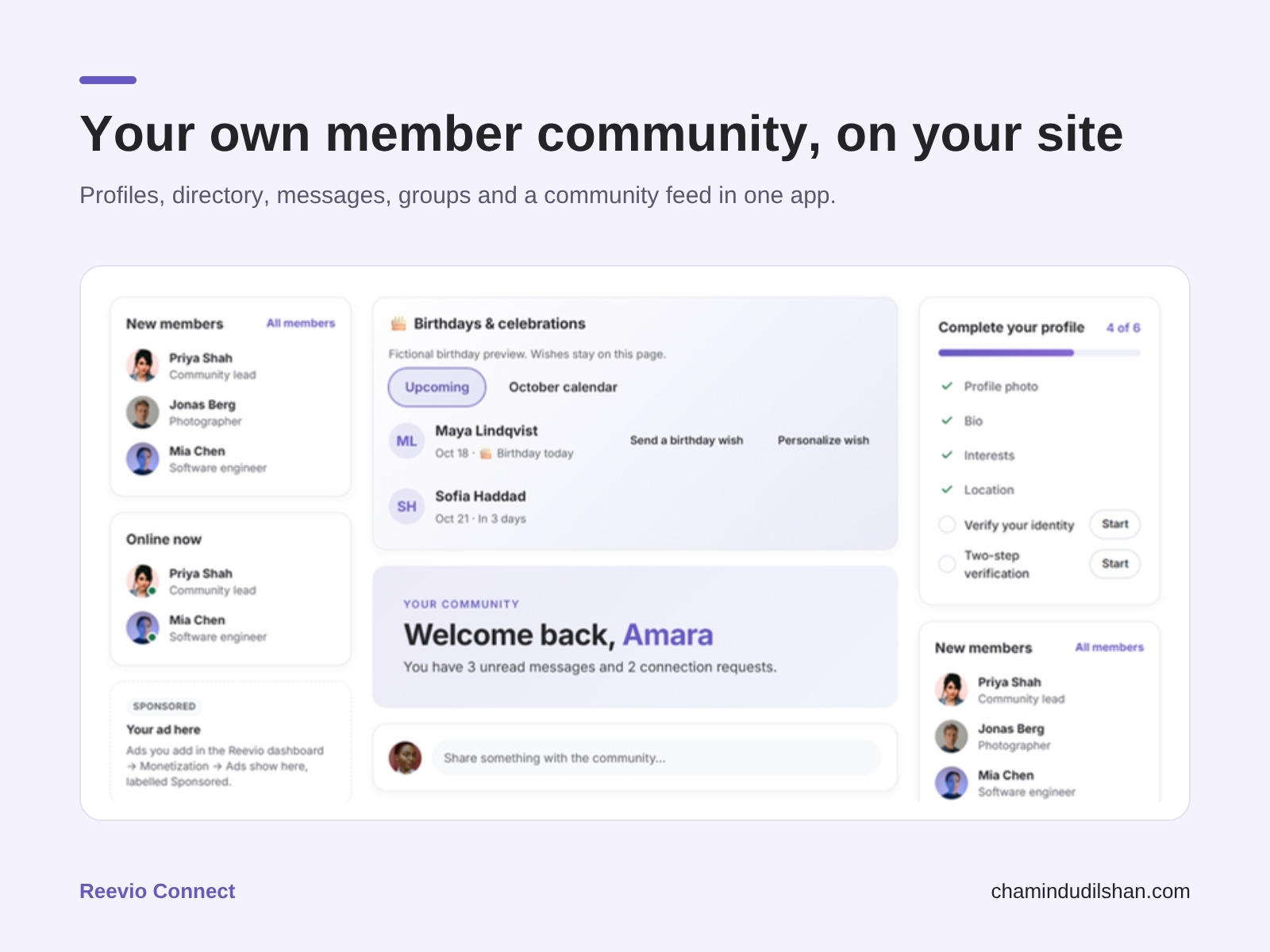
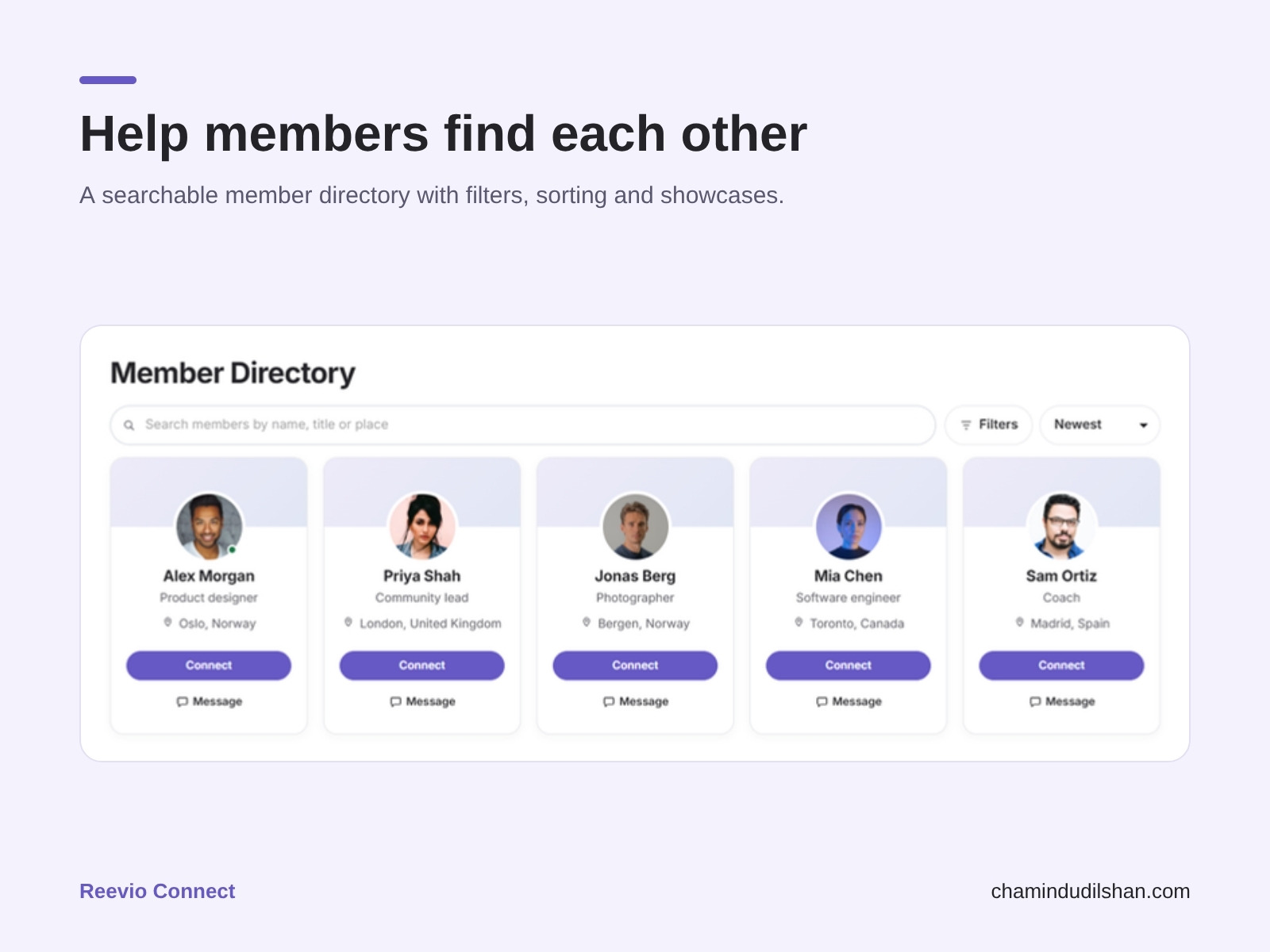
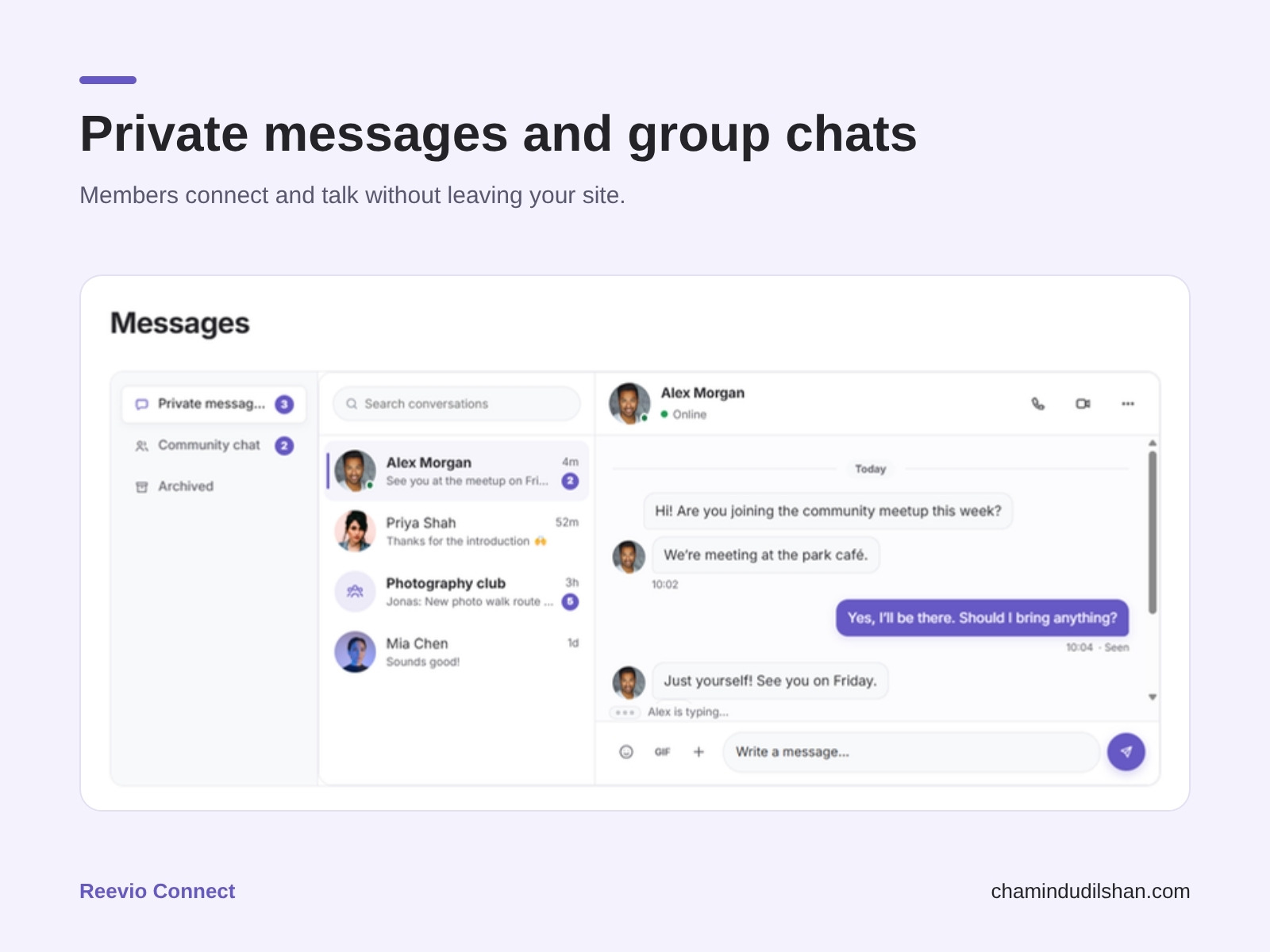

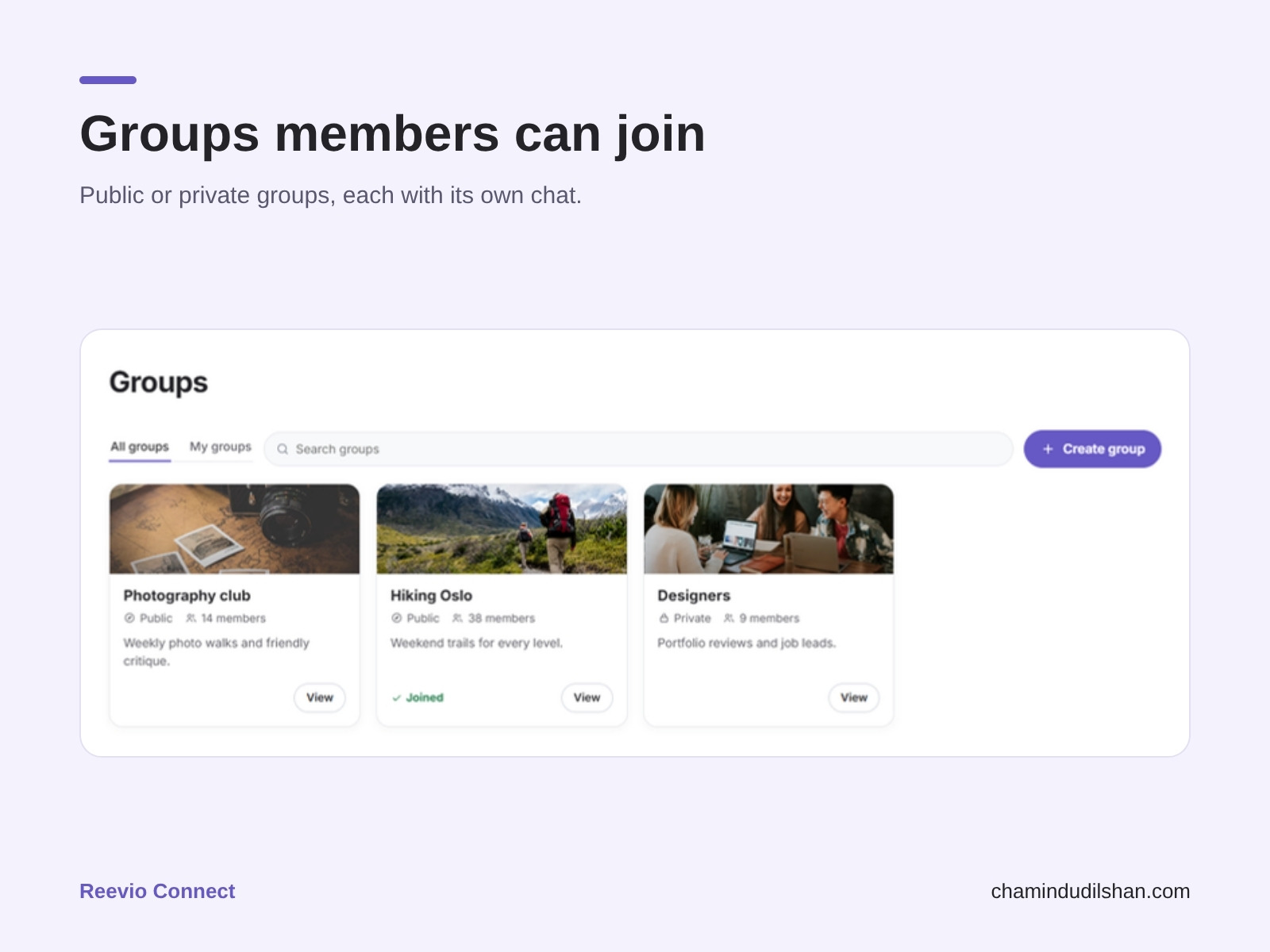
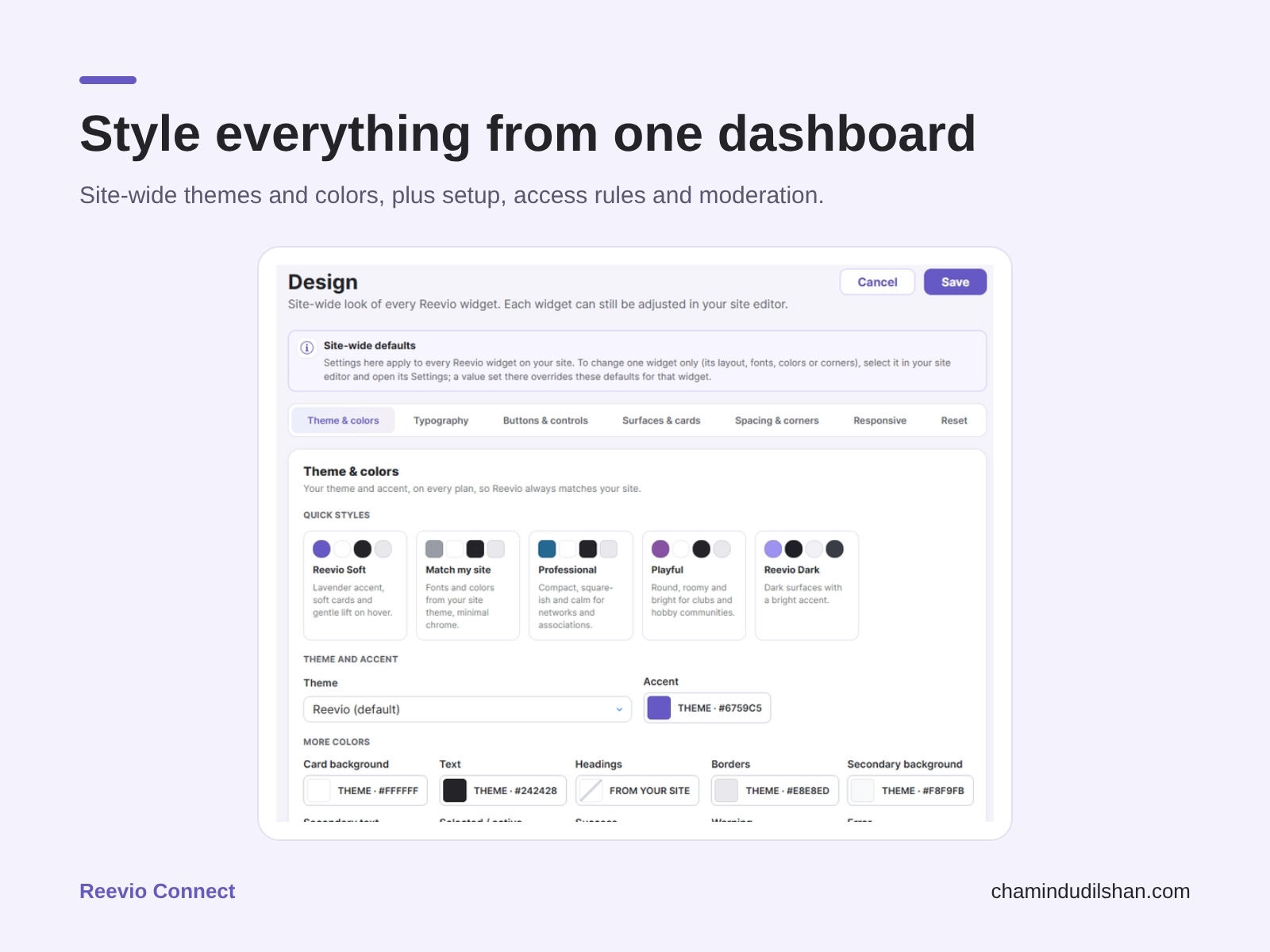
Resumen de Reevio Connect
- Member profiles, custom fields and a searchable directory with filters
- Private messages, group chats, connection requests and notifications
- Community feed and groups with posts, polls, stories and reactions
- Moderation, privacy and access controls you manage from the dashboard
Disponibilidad:
Esta app está disponible en todo el mundo.Idiomas de la app:
Inglés
Requisitos del sitio:
-
Calificación y reseñas
Esta app aún no ha recibido ninguna reseña, sé el primero en calificarla.Precios y planes
Plan Free
Gratis
Up to 100 community members
Profiles, directory & connections
Feed, notifications & messaging
3 groups + 7-day analytics
Plan Pro
$
8
99
/mes
Up to 1,000 community members
Advanced design, no Reevio brand
Matching, stories, reviews and GIFs
30-day analytics + email digests
Plan Business
$
22
49
/mes
Up to 10,000 members, 50 custom fields
Identity verification & required 2FA
Voice & video calls, up to 8 people
AI matching, moderation, 90-day stats
Plan Scale
$
44
99
/mes
Up to 50,000 community members
Everything in Business
Group calls up to 25 people
Highest limits + priority support
* Precio en USD.