

tienda online
Reservas
eventos
Popup

ReadBar Reading Progress
Por
Reading progress bar and read time for articles
No hay reseñas todavía
Plan gratuito disponible

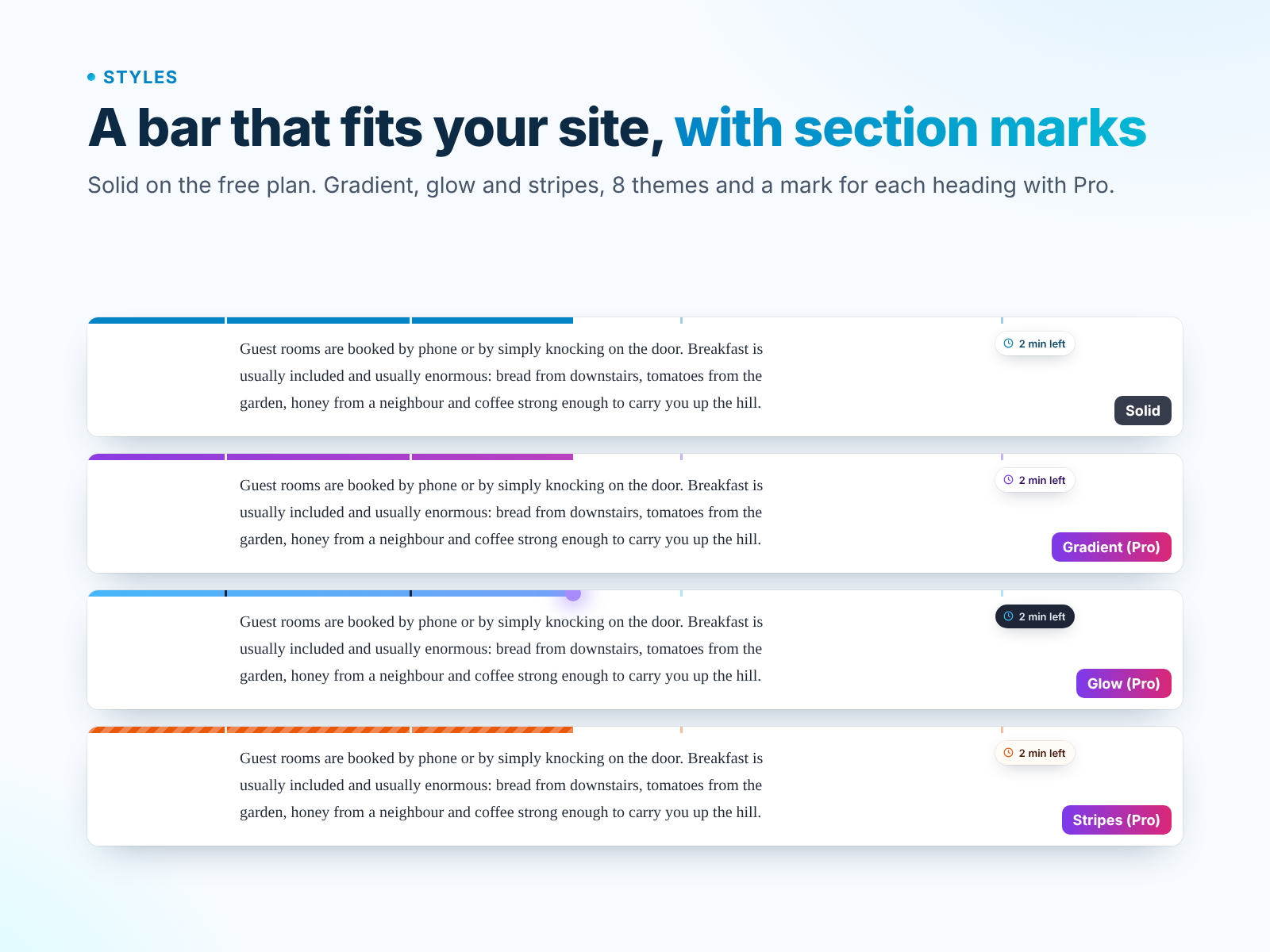
Resumen de ReadBar Reading Progress
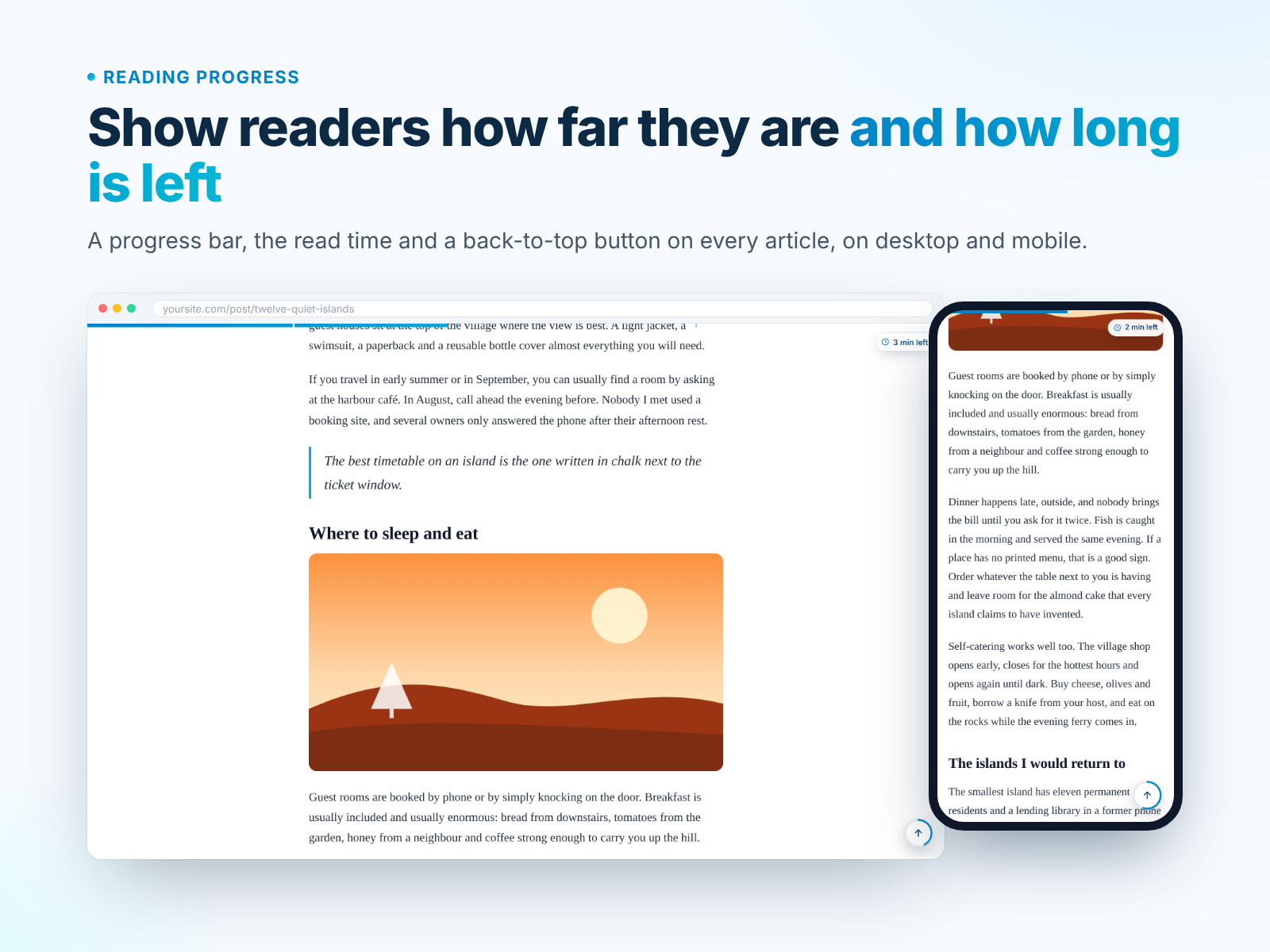
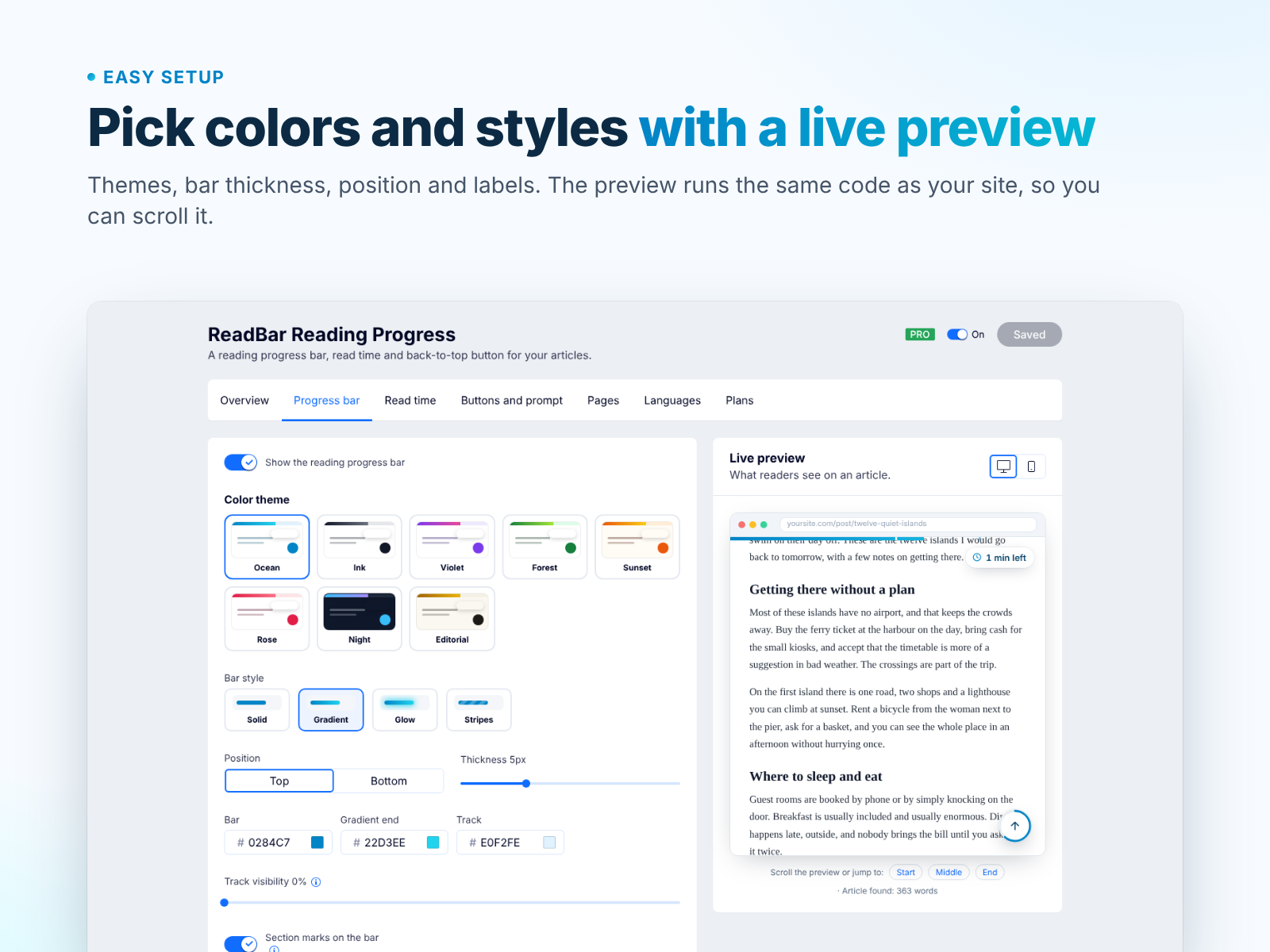
- Progress bar that finds the article by itself
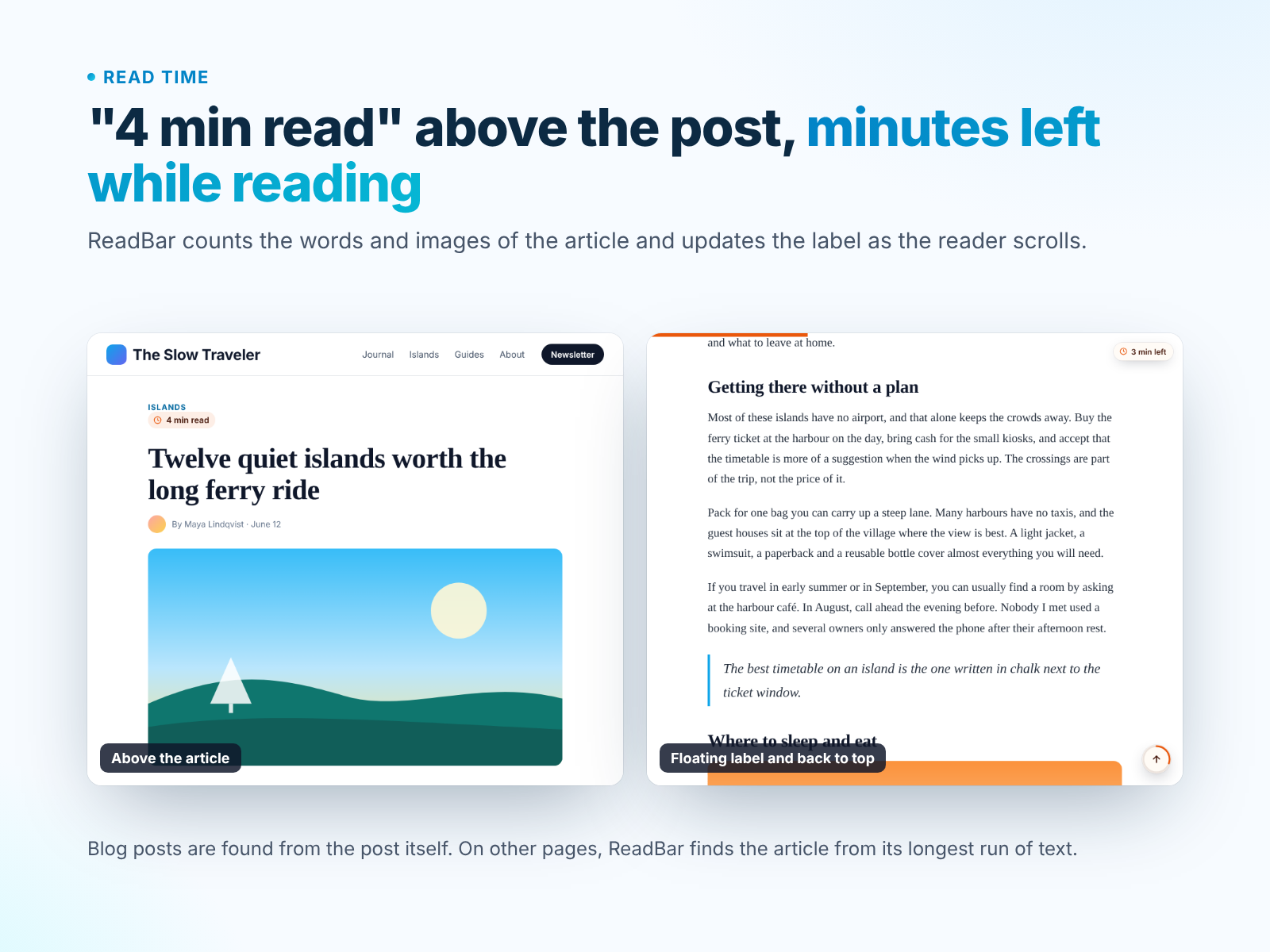
- Read time and minutes left while reading
- Back-to-top button with a progress ring
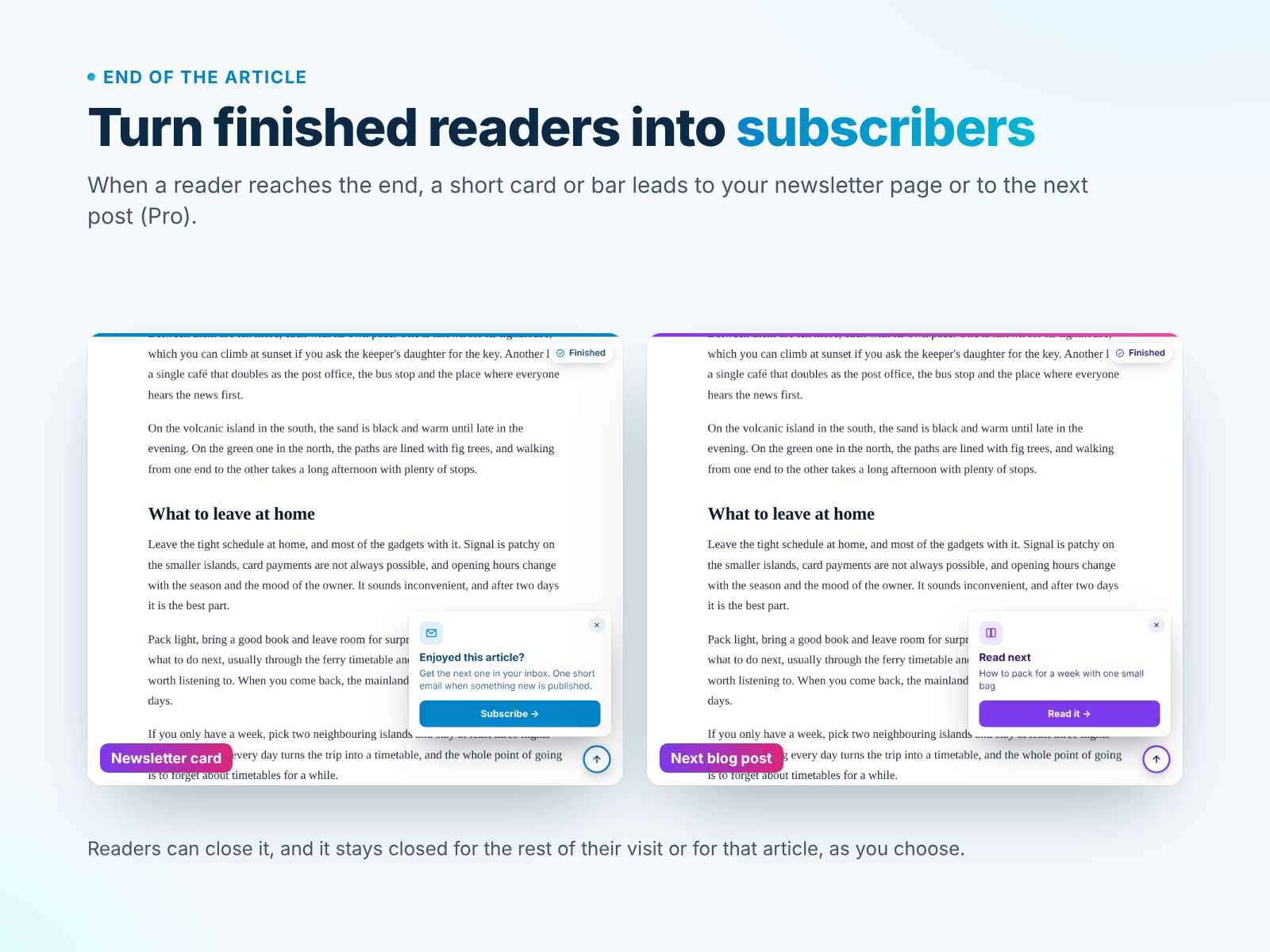
- Pro: newsletter or next post prompt at the end
Calificación y reseñas
Esta app aún no ha recibido ninguna reseña, sé el primero en calificarla.Precios y planes
Plan Basic
Gratis
Reading progress bar
Read time and minutes left
Back-to-top button
Plan Pro
$
1
97
/mes
$395
End-of-article prompt
Gradient, glow and striped bars
Page, device rules and translations
Custom CSS and section marks
* Precio en USD.