

tienda online
Reservas
eventos
Popup

Table Builder
Por
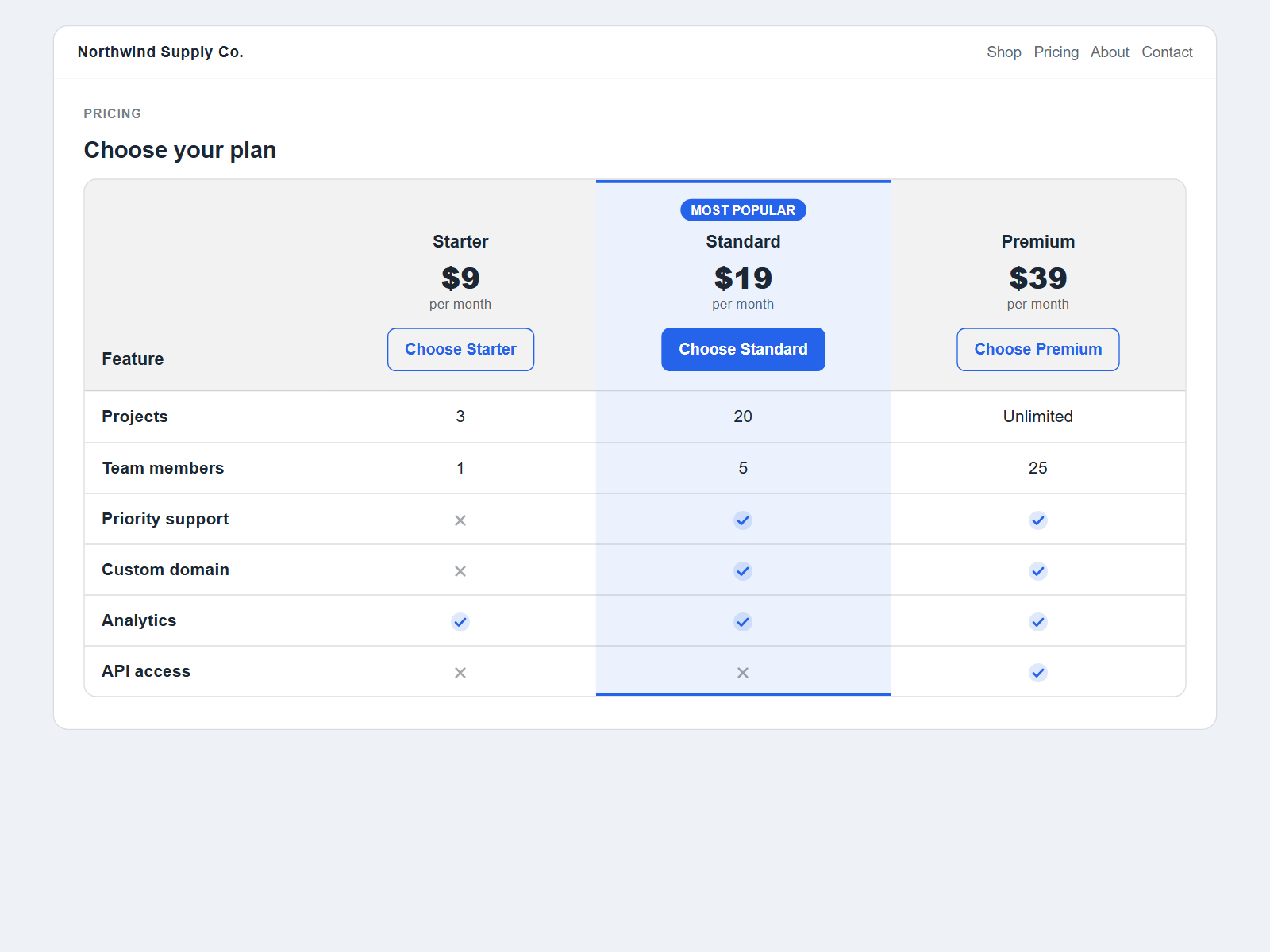
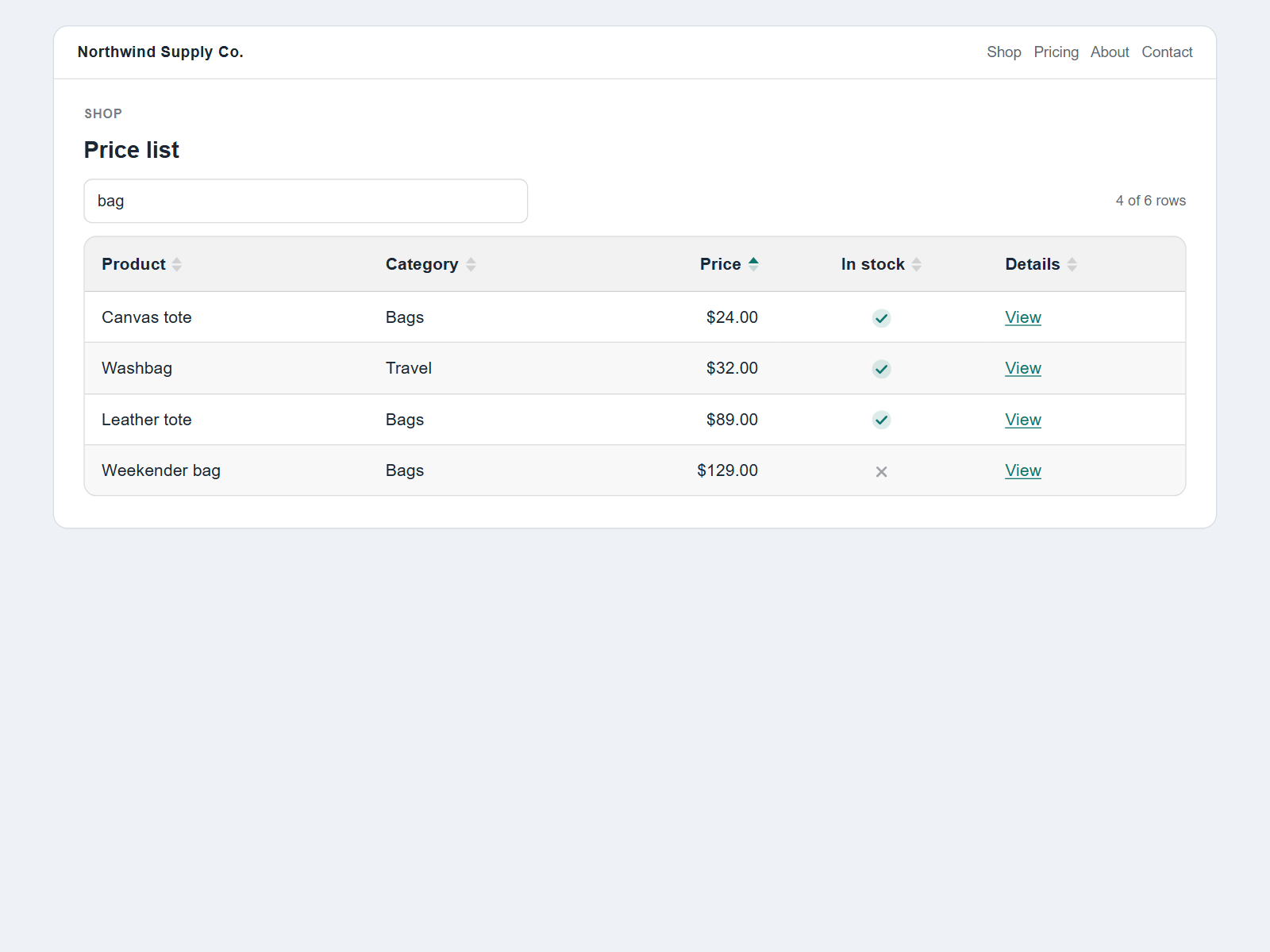
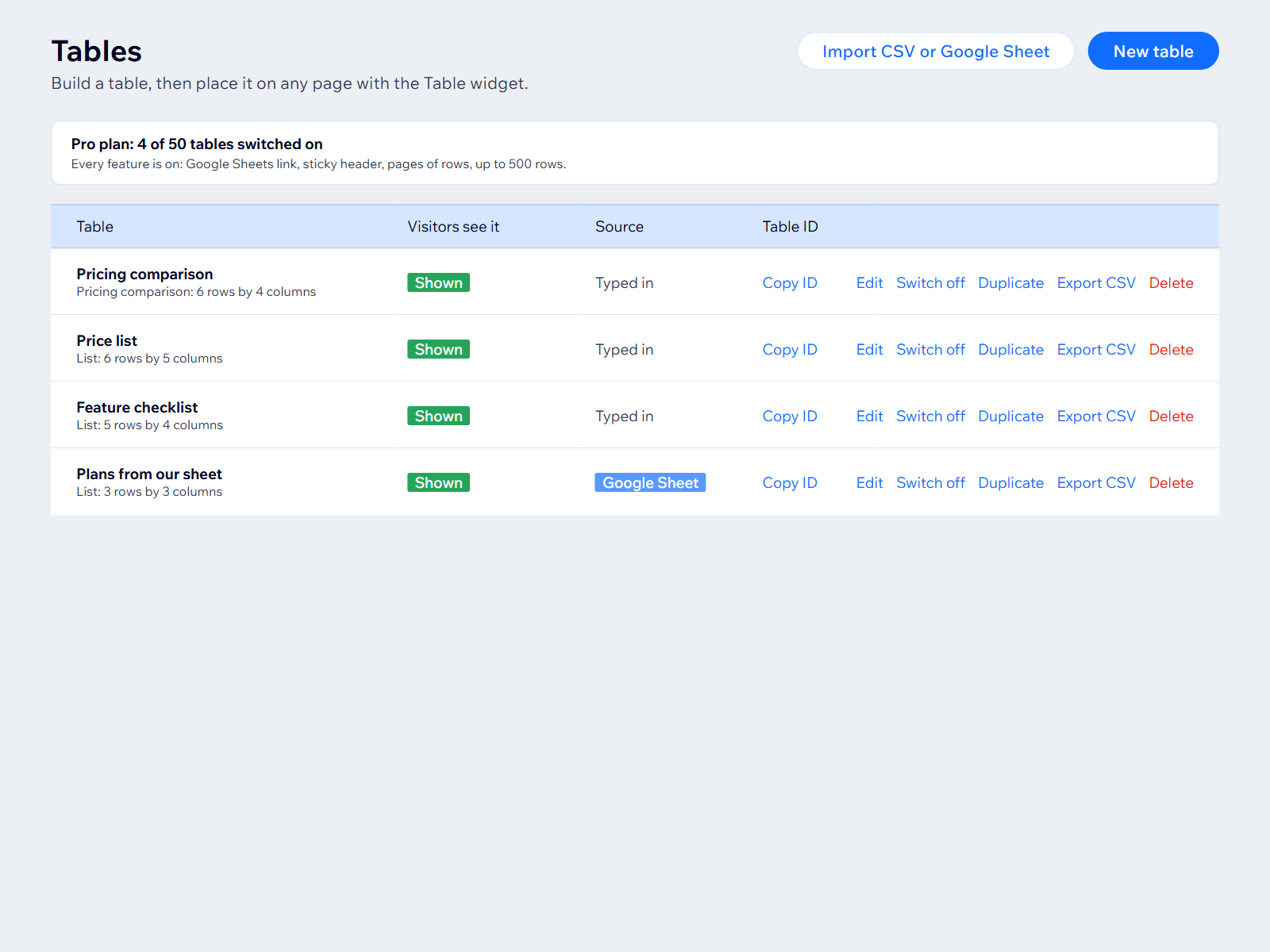
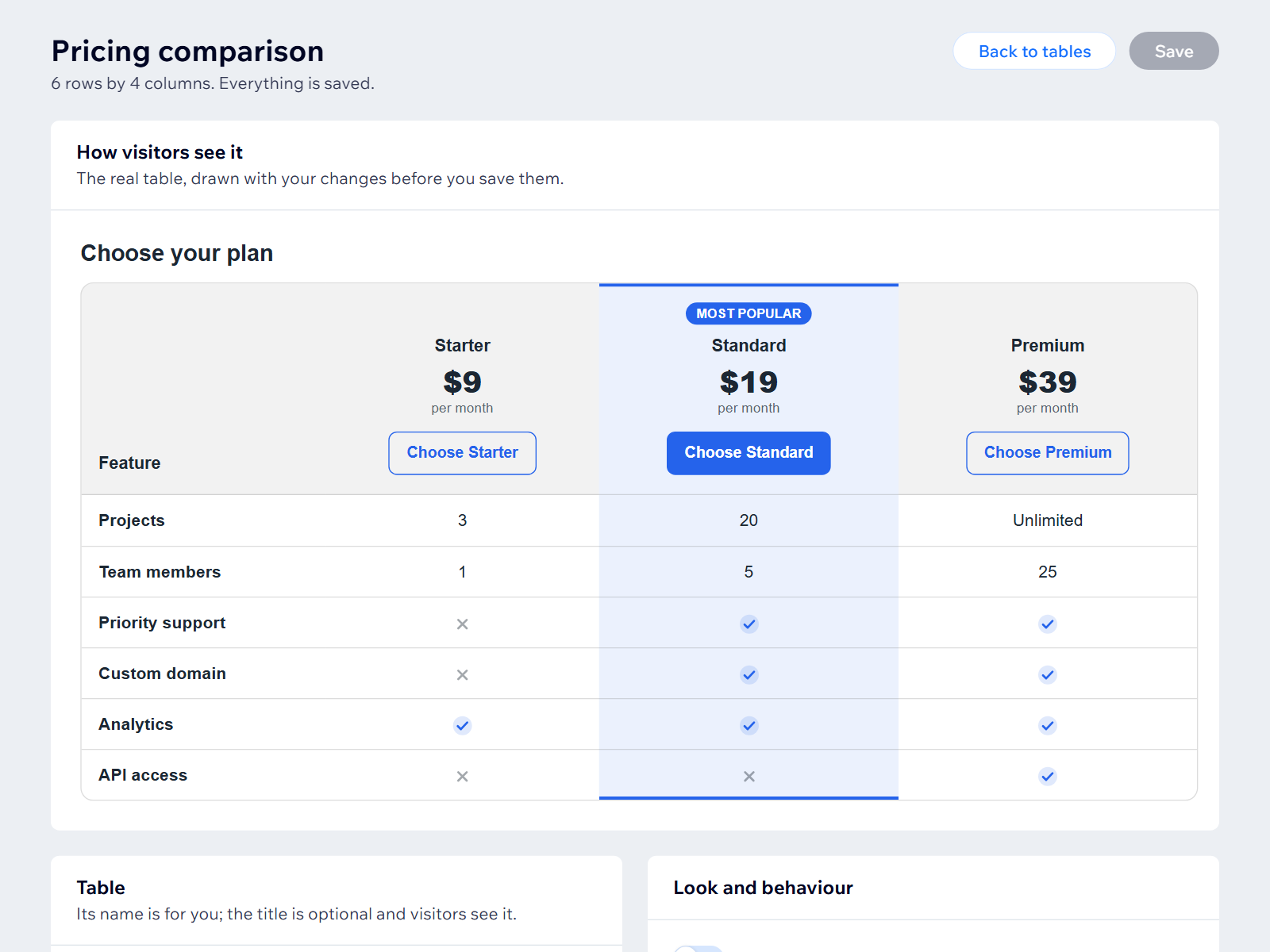
Sortable, searchable tables and pricing comparisons, built in the dashboard or from a Google Sheet.
No hay reseñas todavía
Plan gratuito disponible

Resumen de Table Builder
- Click any heading to sort
- Pricing comparison layout
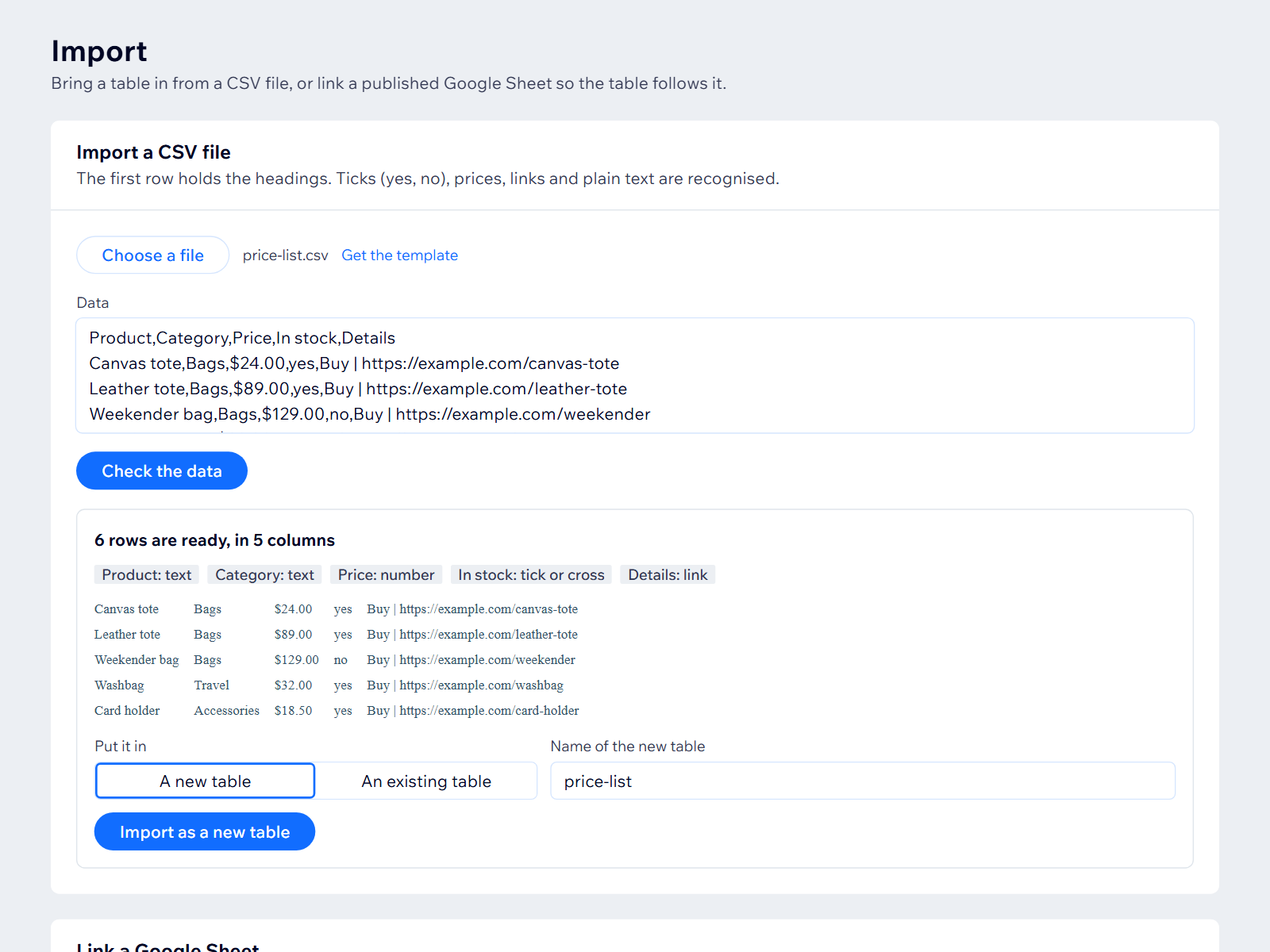
- Import a CSV or paste a sheet
- Looks right on phones
Calificación y reseñas
Esta app aún no ha recibido ninguna reseña, sé el primero en calificarla.Precios y planes
Plan Free
Gratis
1 table, up to 10 rows
Click-to-sort headings
Ticks, crosses and links
Plan Starter
$
4
99
/mes
5 tables, 100 rows
Visitor search box
Pricing layout
CSV import and export
Plan Pro
$
9
99
/mes
50 tables, 500 rows
Link a published Google Sheet
Sticky header, pages of rows
Everything in Starter
* Precio en USD.