

tienda online
Reservas
eventos
Popup
Guest List Builder
Por
Pick guest columns, group, print a sign-in list
No hay reseñas todavía
Plan gratuito disponible

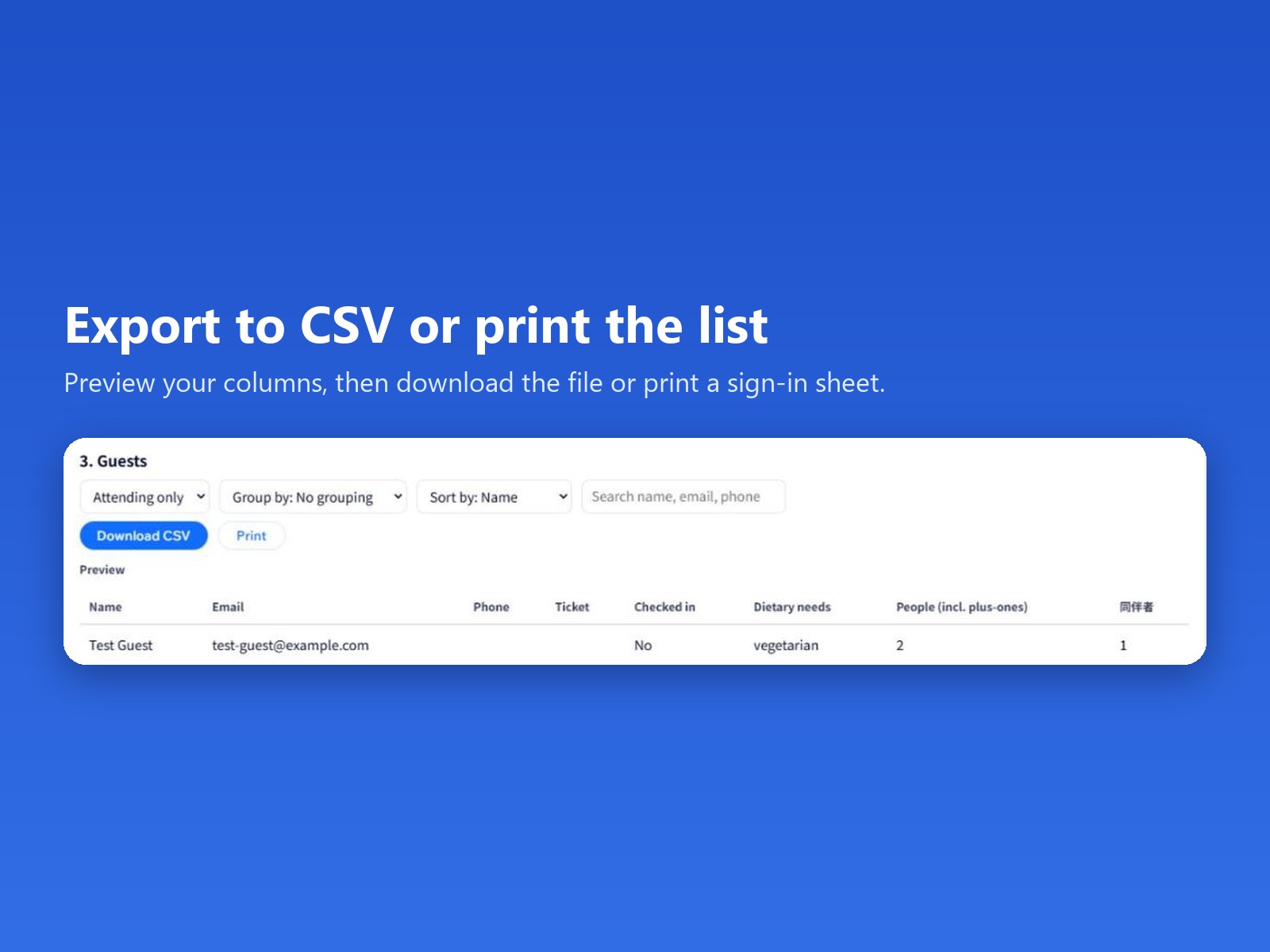
Resumen de Guest List Builder
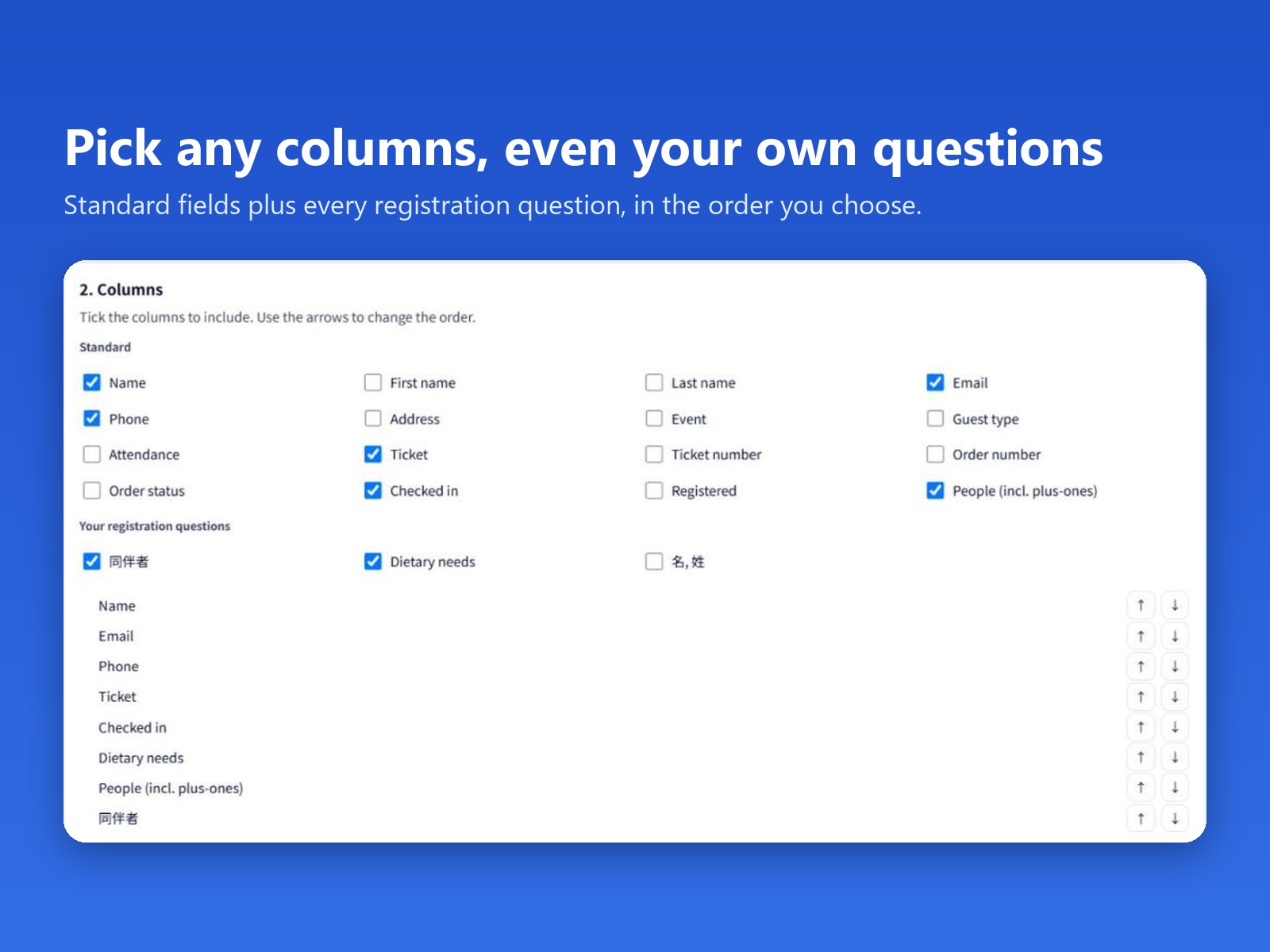
- Choose and reorder the columns you export
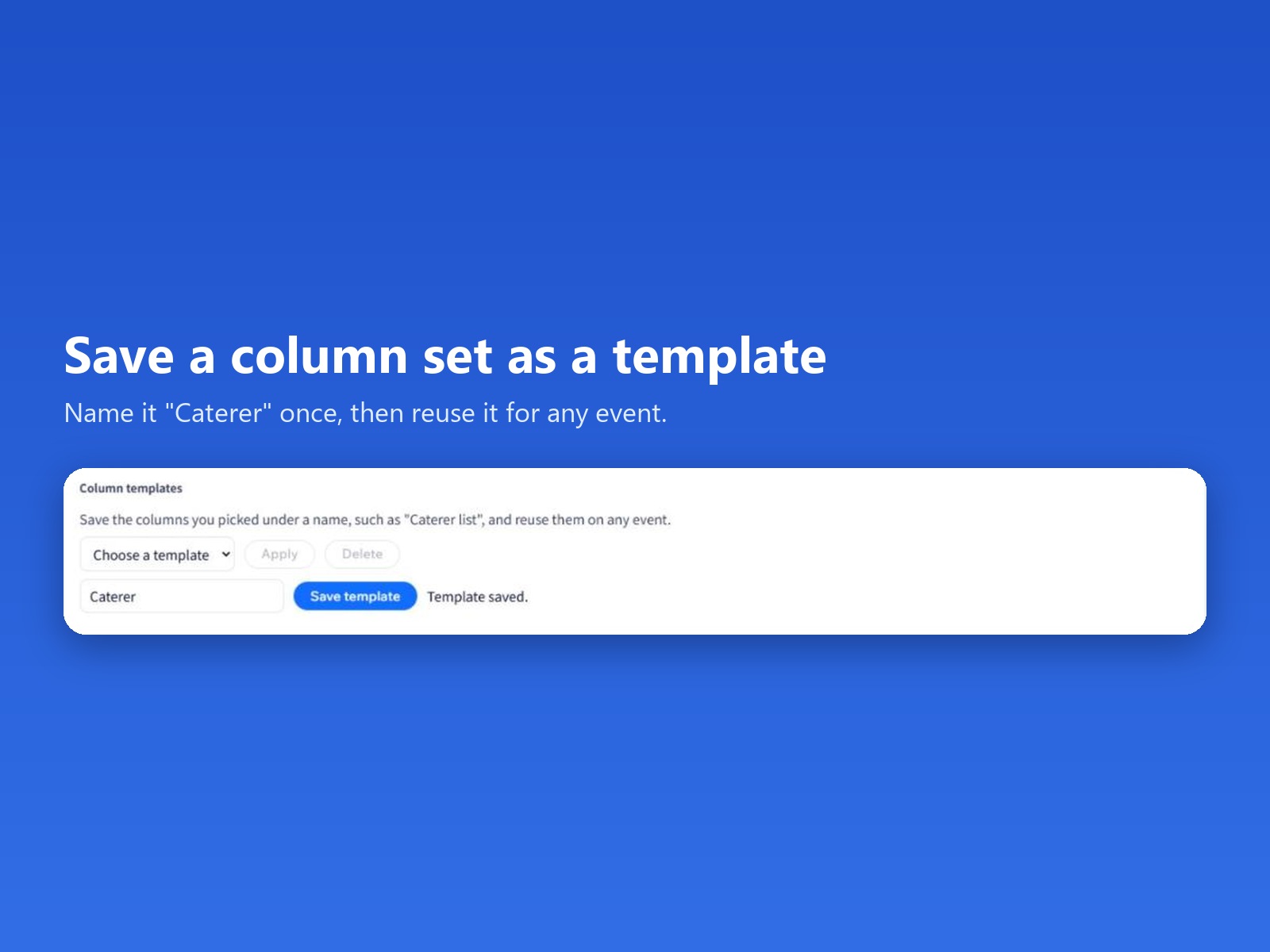
- Save column sets as templates (1 free)
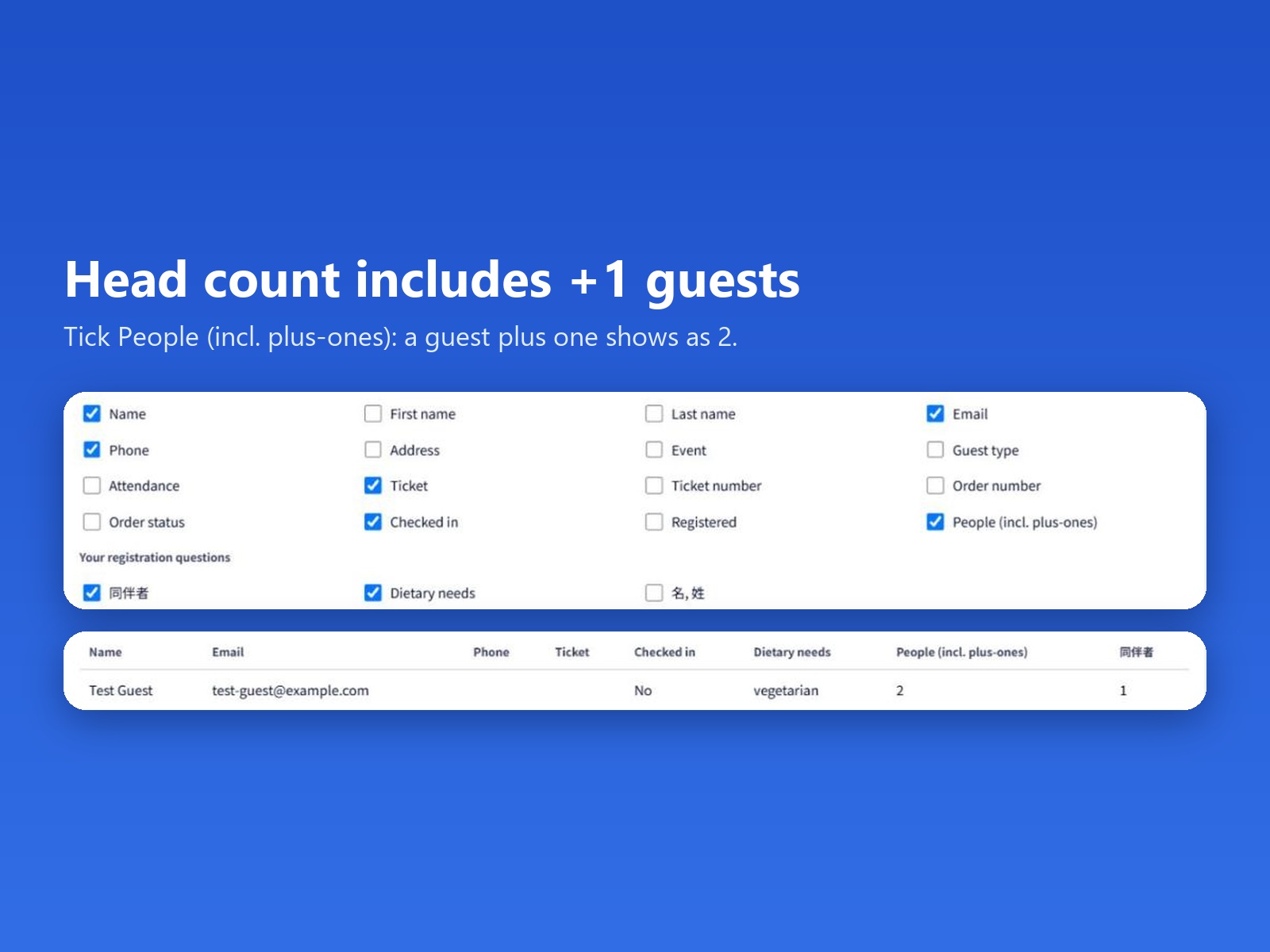
- Group by ticket or answer, with head counts
- Print a sign-in sheet with check boxes (Pro)
Calificación y reseñas
Esta app aún no ha recibido ninguna reseña, sé el primero en calificarla.Precios y planes
Plan Basic
Gratis
Up to 50 guests per event
1 saved column template
All columns, filters and CSV download
Plan Pro
$
3
99
/mes
20,000 guests per event (free: 50)
50 saved column templates (free: 1)
Print sign-in sheet with check boxes
* Precio en USD.