

tienda online
Reservas
eventos
Popup

Quiz Builder | Quizora
Por
Publish a scored quiz with answer explanations
No hay reseñas todavía
Plan gratuito disponible

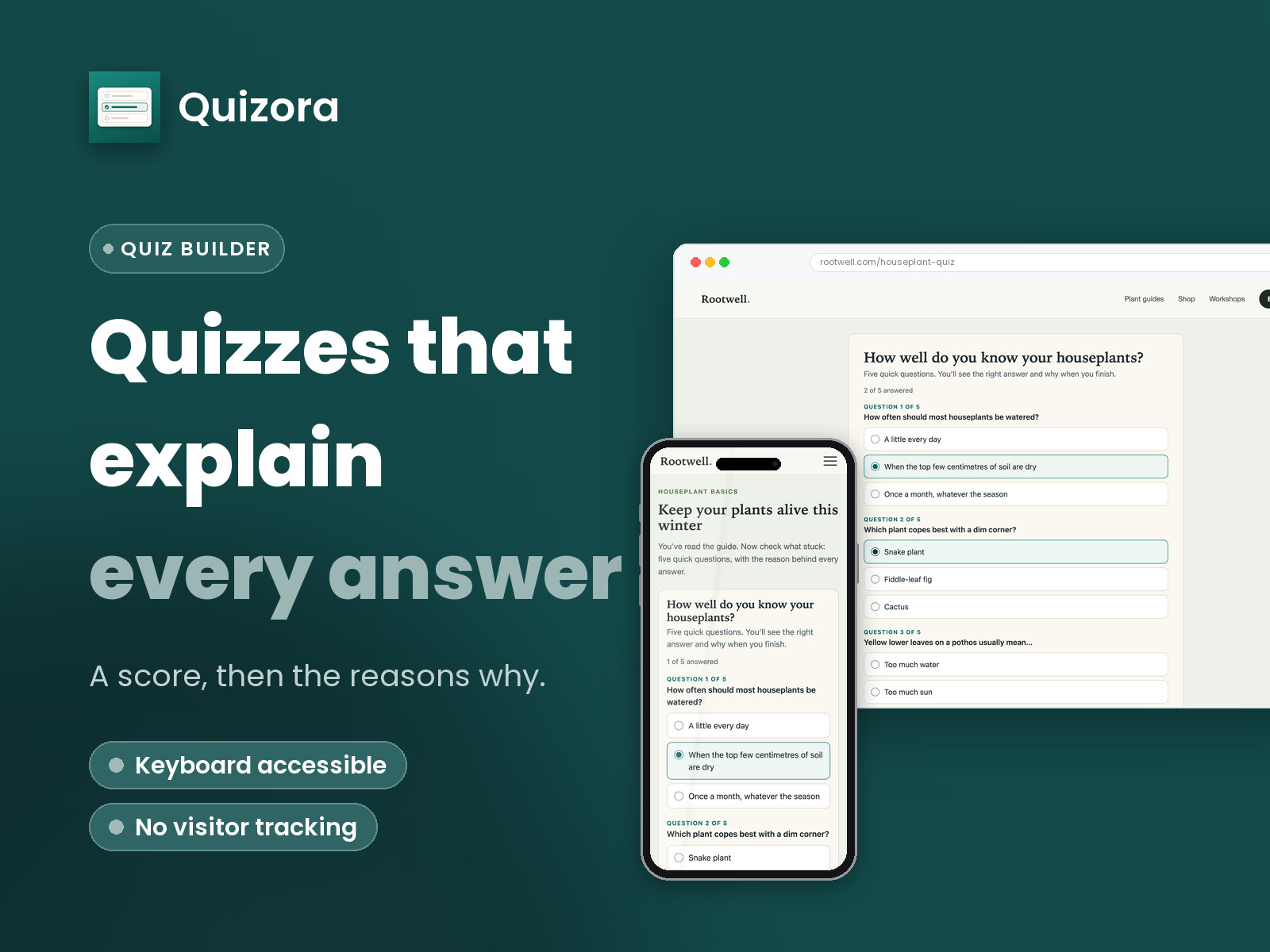
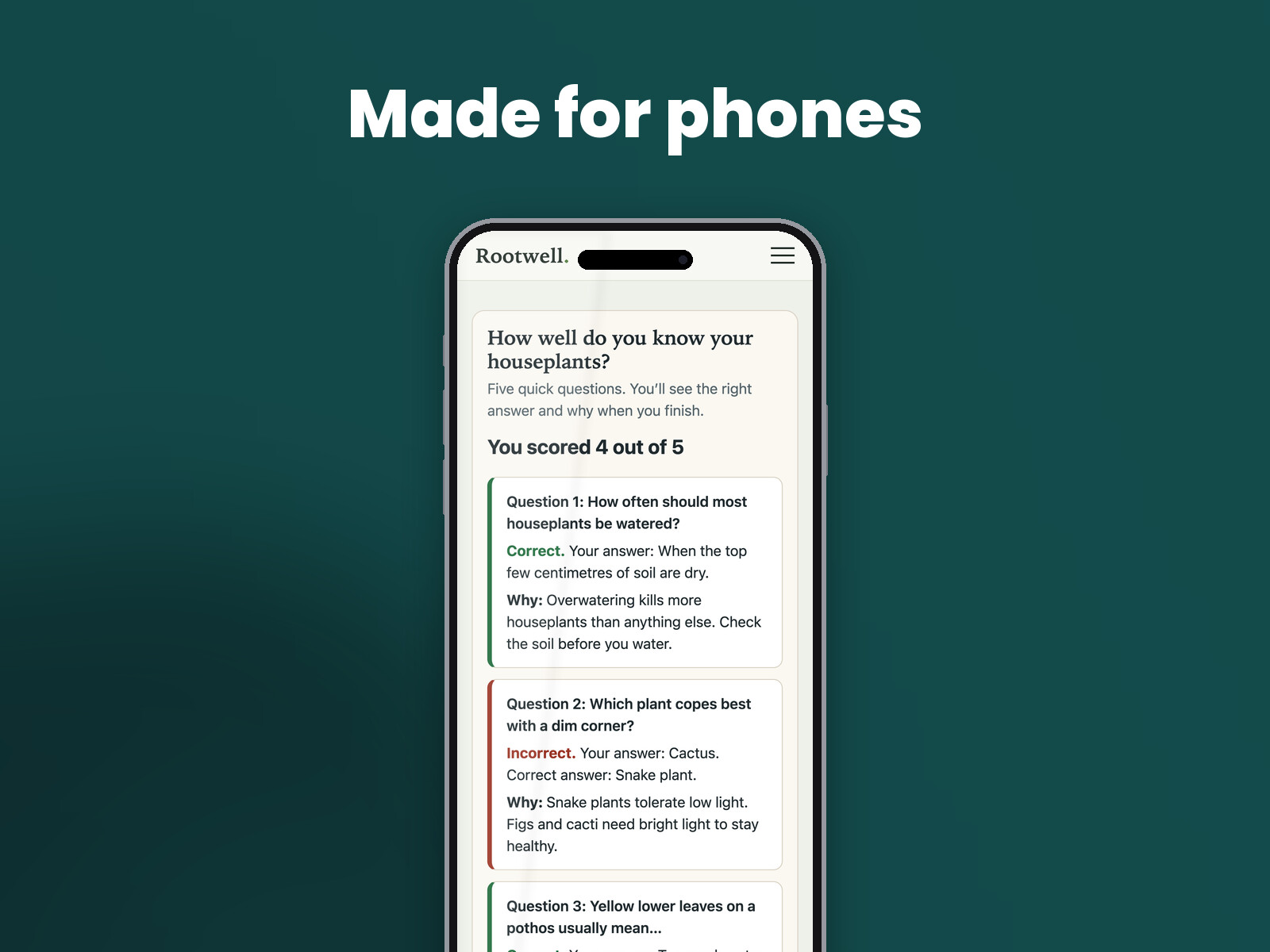
Resumen de Quiz Builder | Quizora
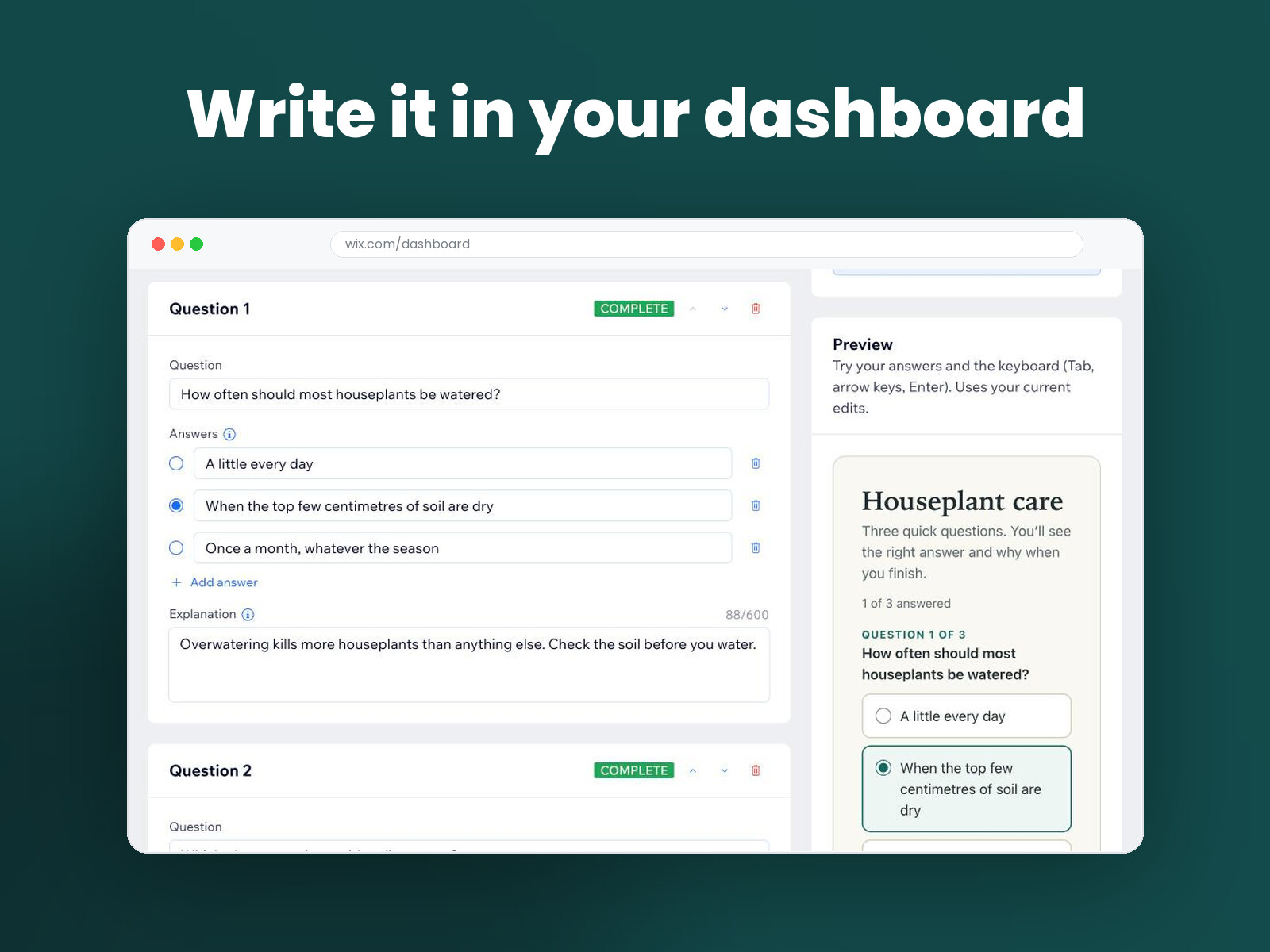
- Write questions with answer explanations
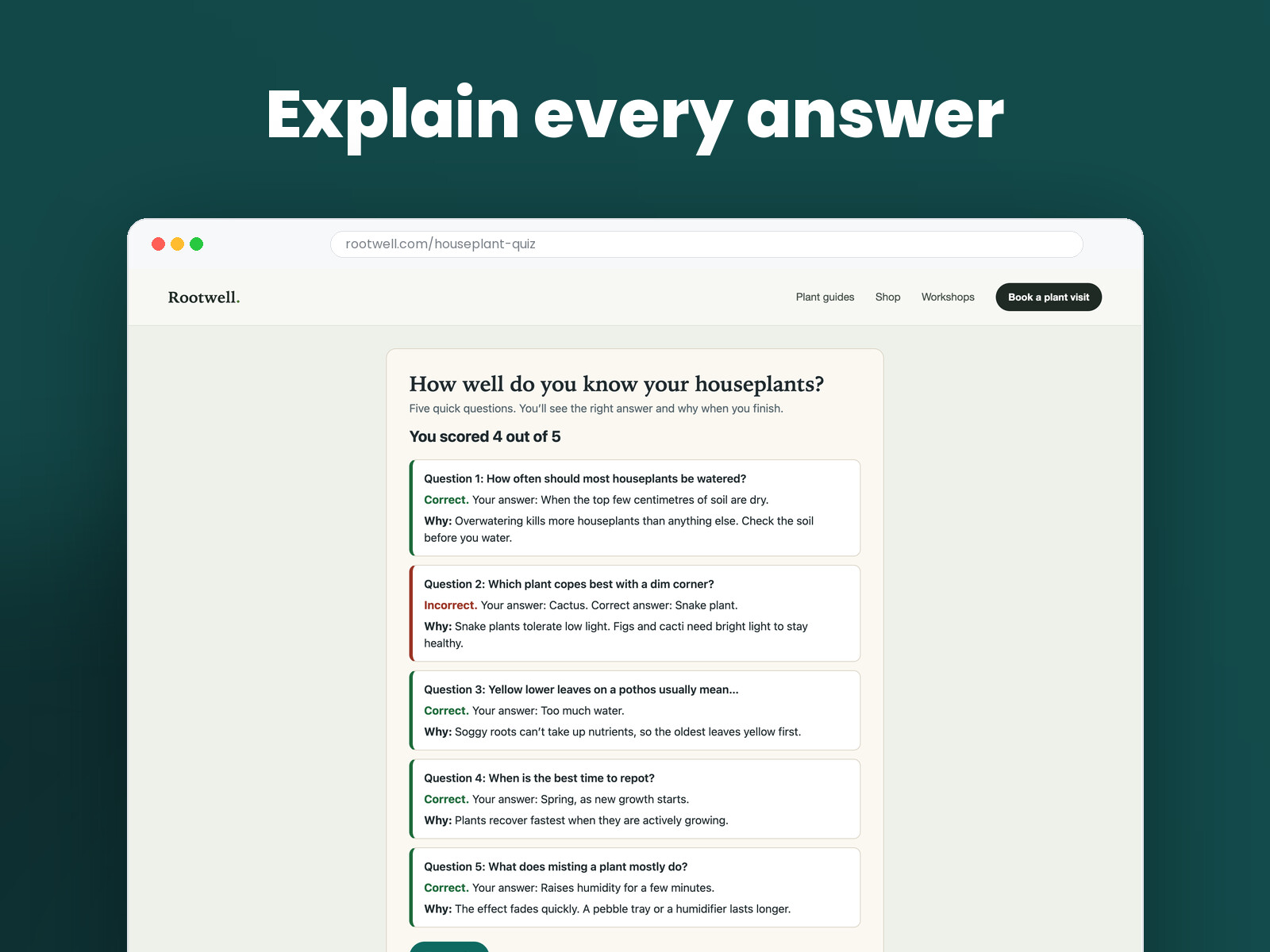
- Visitors see their score and why answers are right
- Keyboard-friendly quiz widget for any page
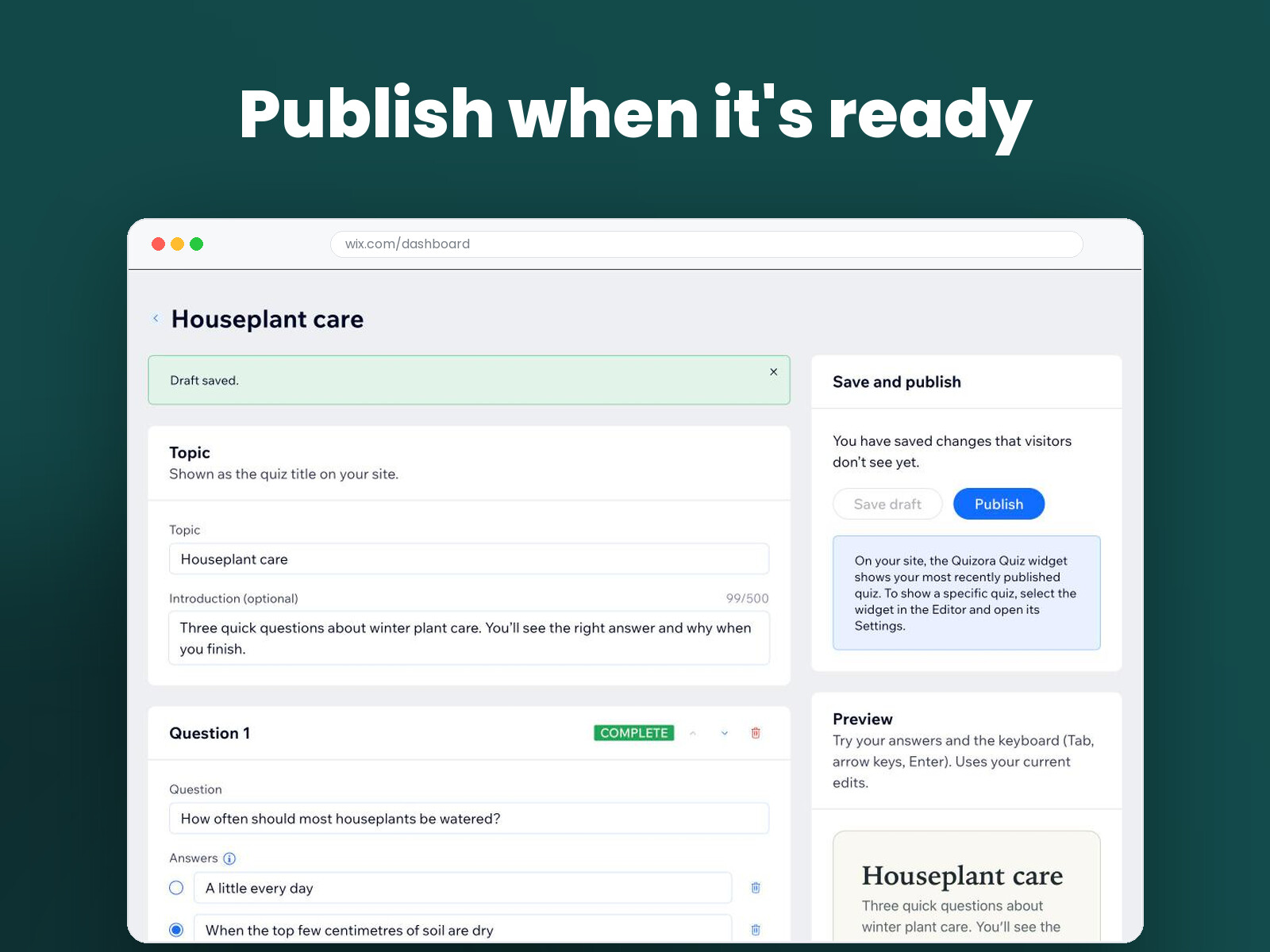
- Drafts and live preview before you publish
Calificación y reseñas
Esta app aún no ha recibido ninguna reseña, sé el primero en calificarla.Precios y planes
Plan Free
Gratis
1 quiz
Up to 10 questions per quiz
Scores with answer explanations
Plan Pro
$
4
16
/mes
Up to 50 quizzes
Up to 30 questions per quiz
All Free features included
* Precio en USD.