Show your Drive files and folders on your site, with no Google account to connect
Change a file in Drive and your site shows it, with nothing to re-upload
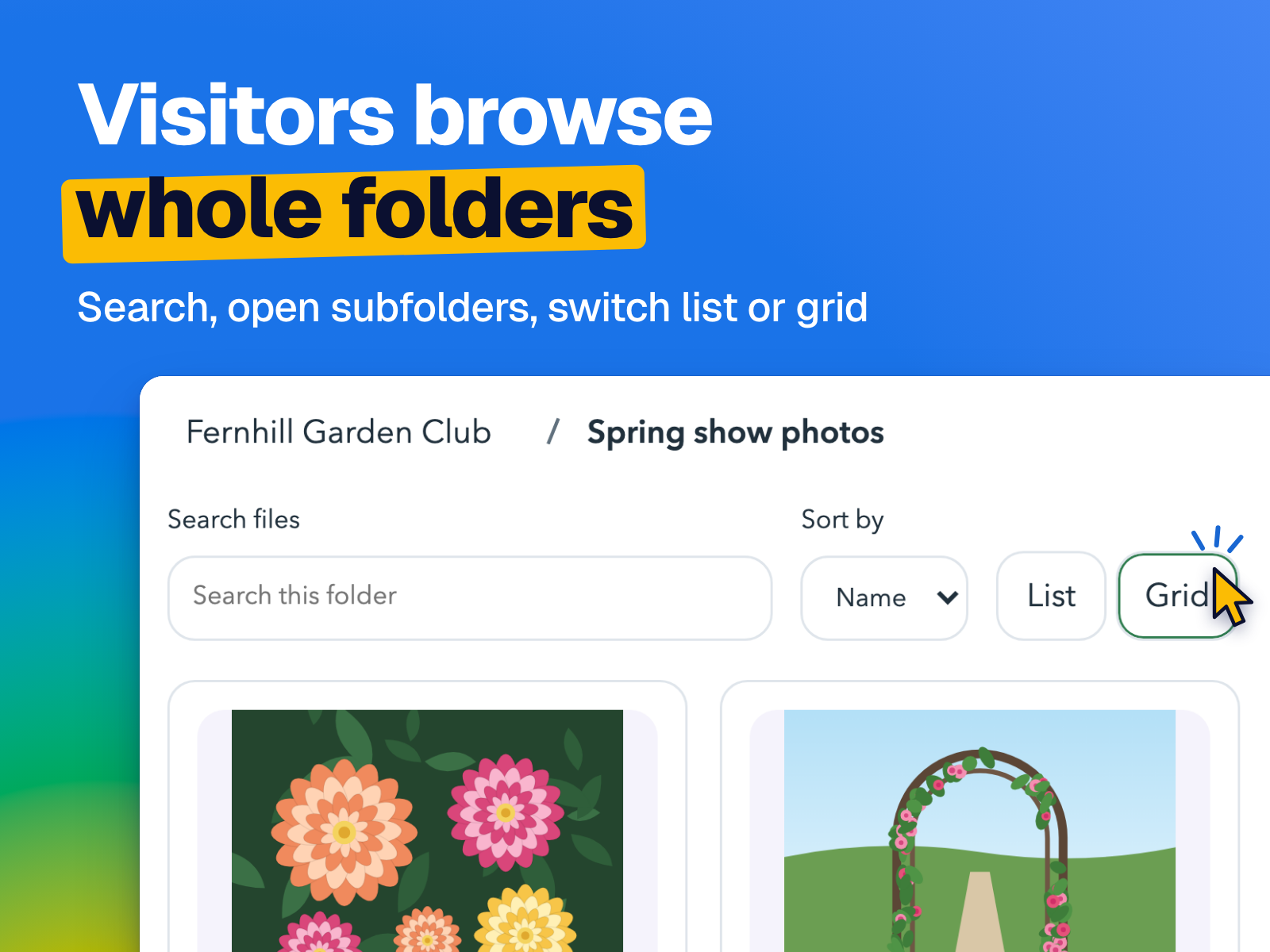
Visitors browse, search and open your folders right on your page
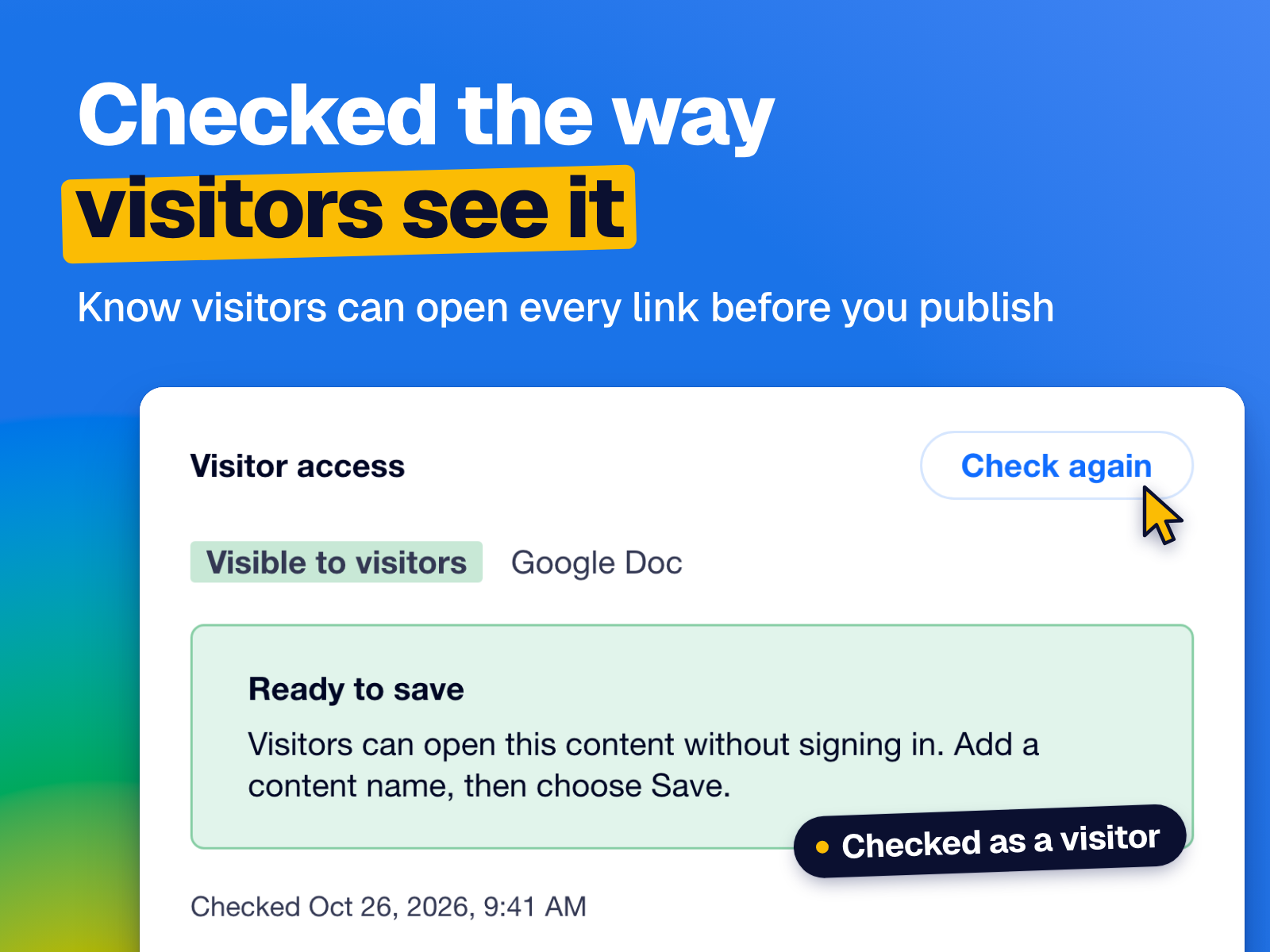
Every link is checked the way visitors see it, so nothing shows up broken
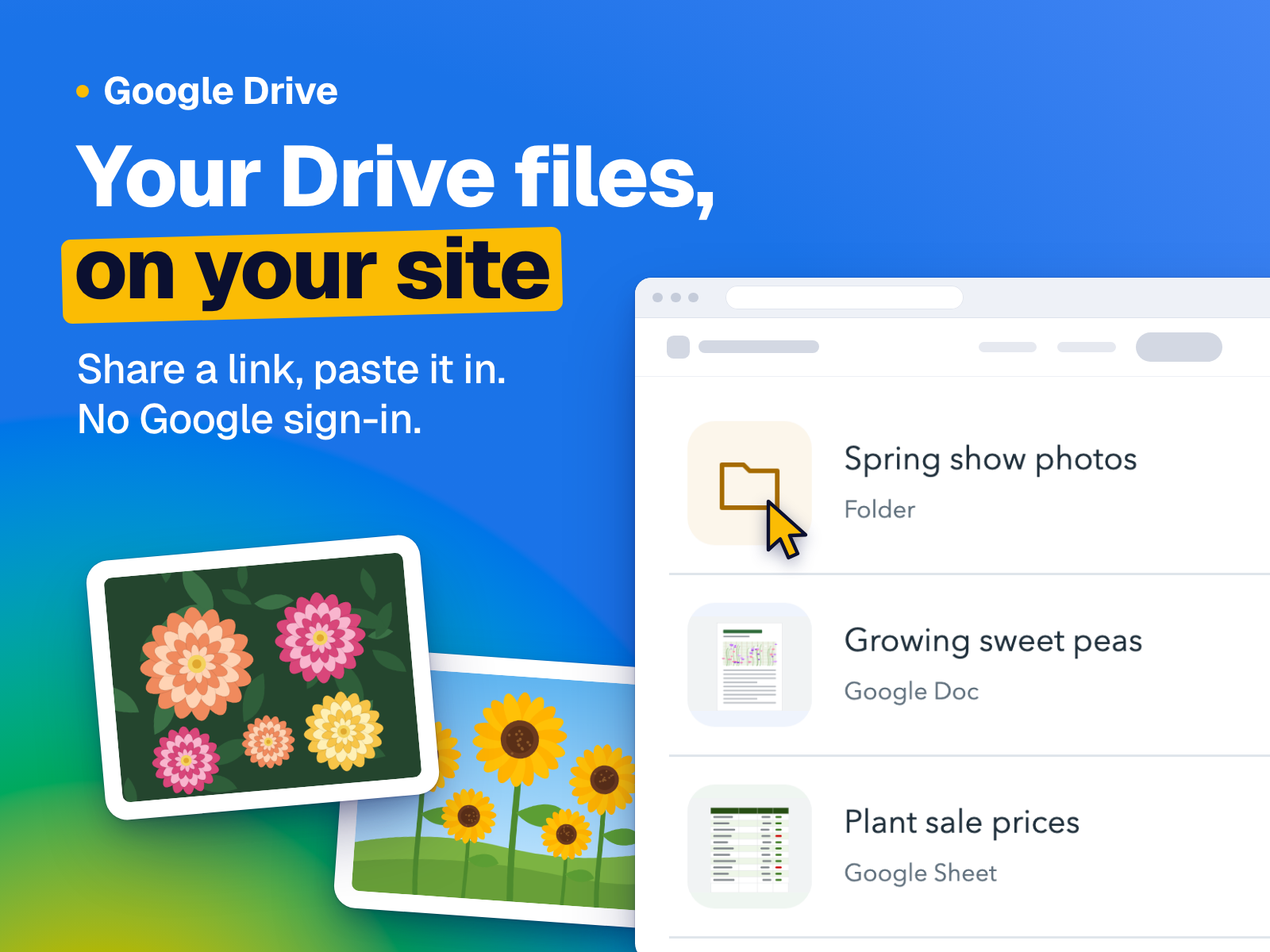
Bring your Google Drive files and folders onto your site and keep everything in one place. Photos, documents, price lists and guides appear right on your page, and when you change a file in Drive, your site shows the new version with nothing to re-upload.
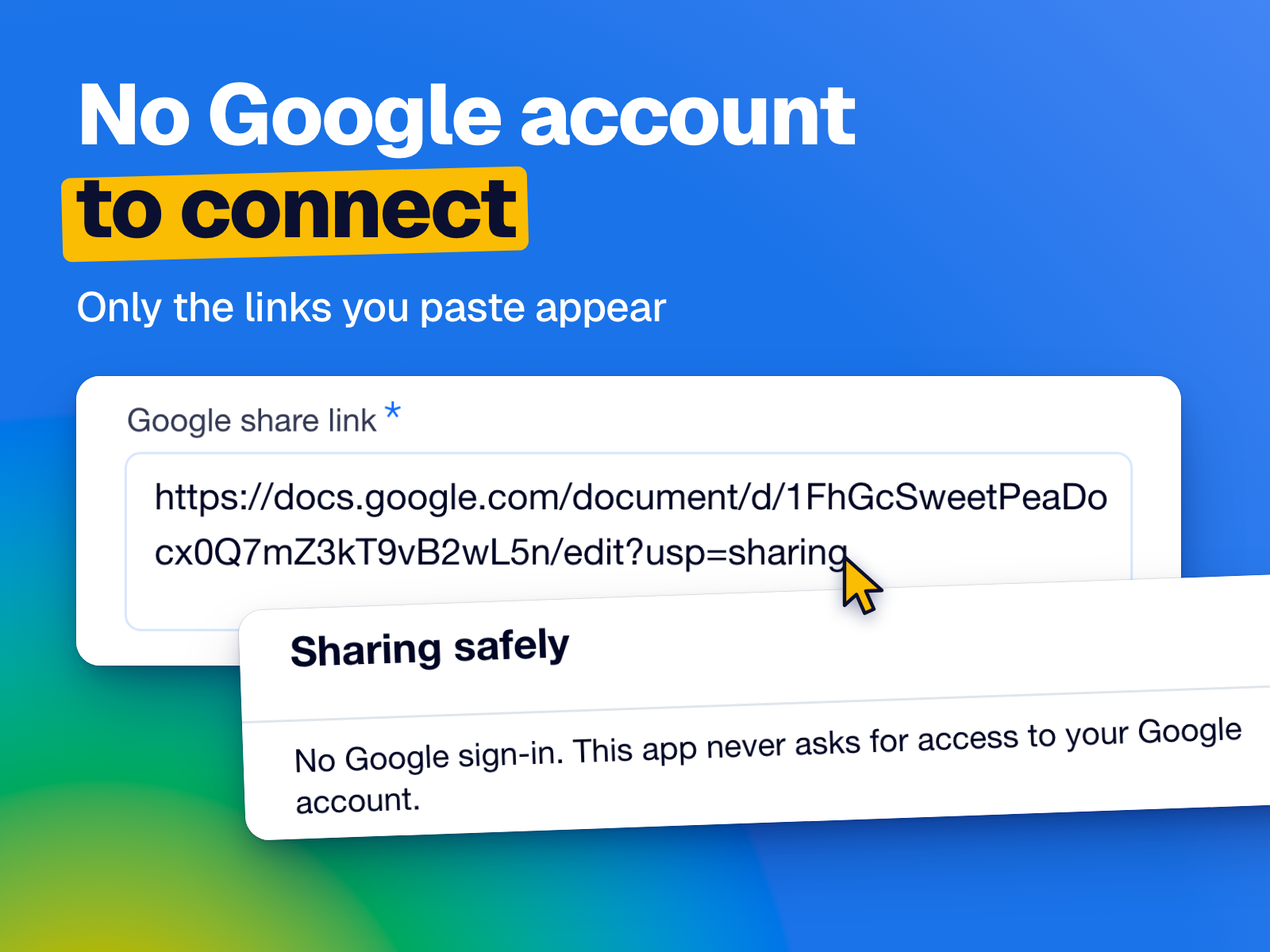
There's no Google account to connect. Share a file or folder with a link, paste it in, and you're set. Only what you share appears, and every link is checked the way your visitors see it, so you know they can open it before you publish.
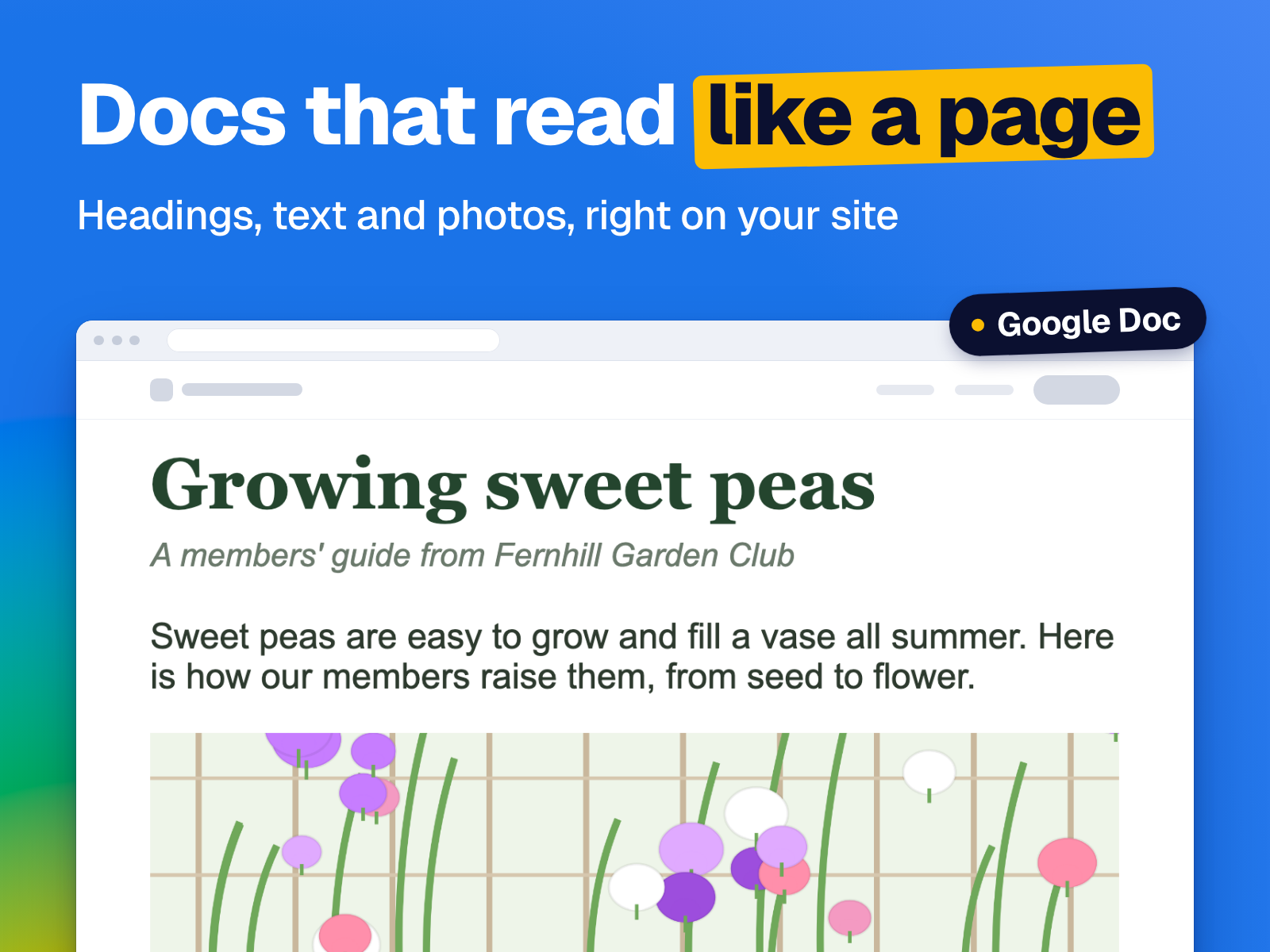
Visitors browse whole folders on your page: they search, open subfolders, switch between a list and a grid, and click through your photos. Docs read like a clean page, and Sheets, Slides, Forms, videos and audio show on your page too. Put up to three files in one place as tabs.
It matches your site's colors and fonts on its own, or pick a ready-made design and fine-tune the colors and corners. Your links keep being checked after you publish: if a file stops being shared, visitors never see a broken box, and the app shows you how to fix it.