

tienda online
Reservas
eventos
Popup

Event Countdown Timer
Por
Live countdown timer for your event pages
No hay reseñas todavía
Plan gratuito disponible

Resumen de Event Countdown Timer
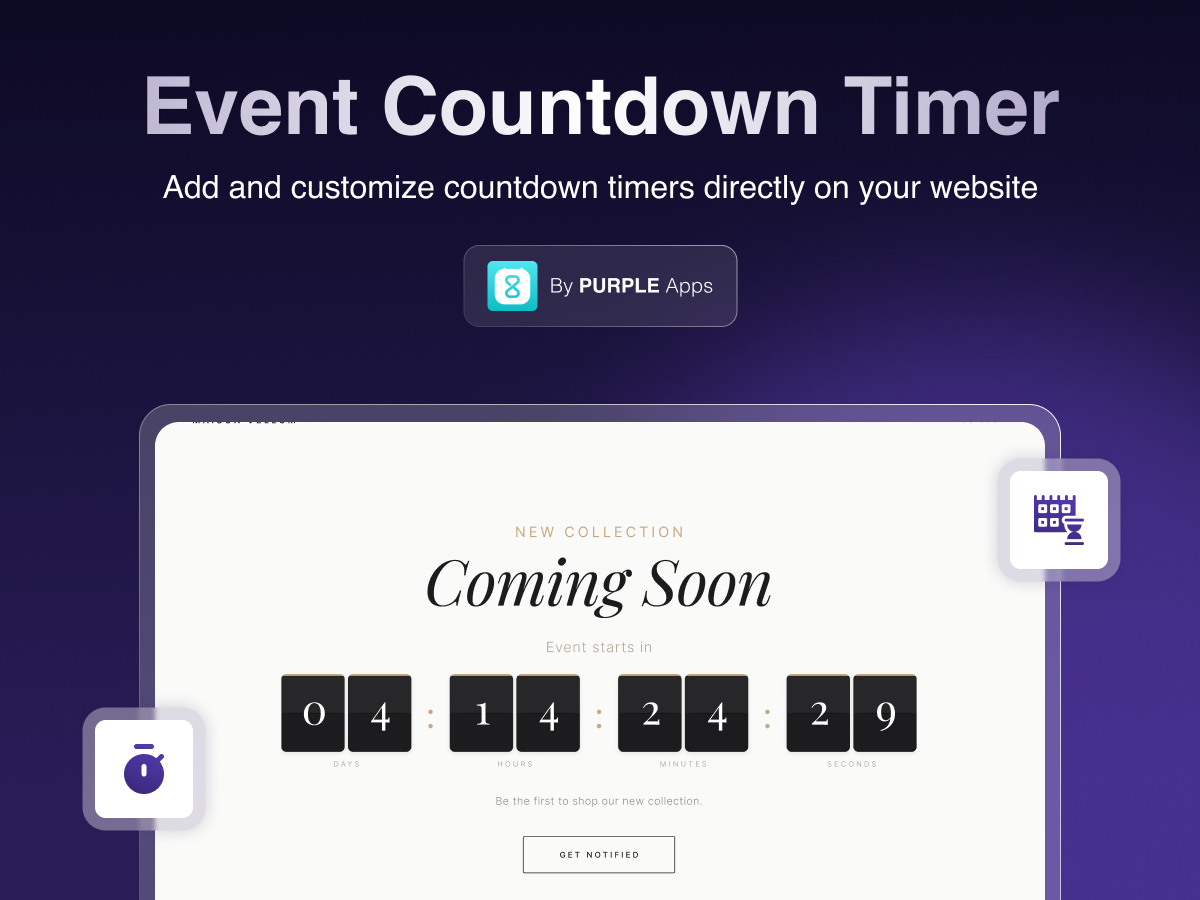
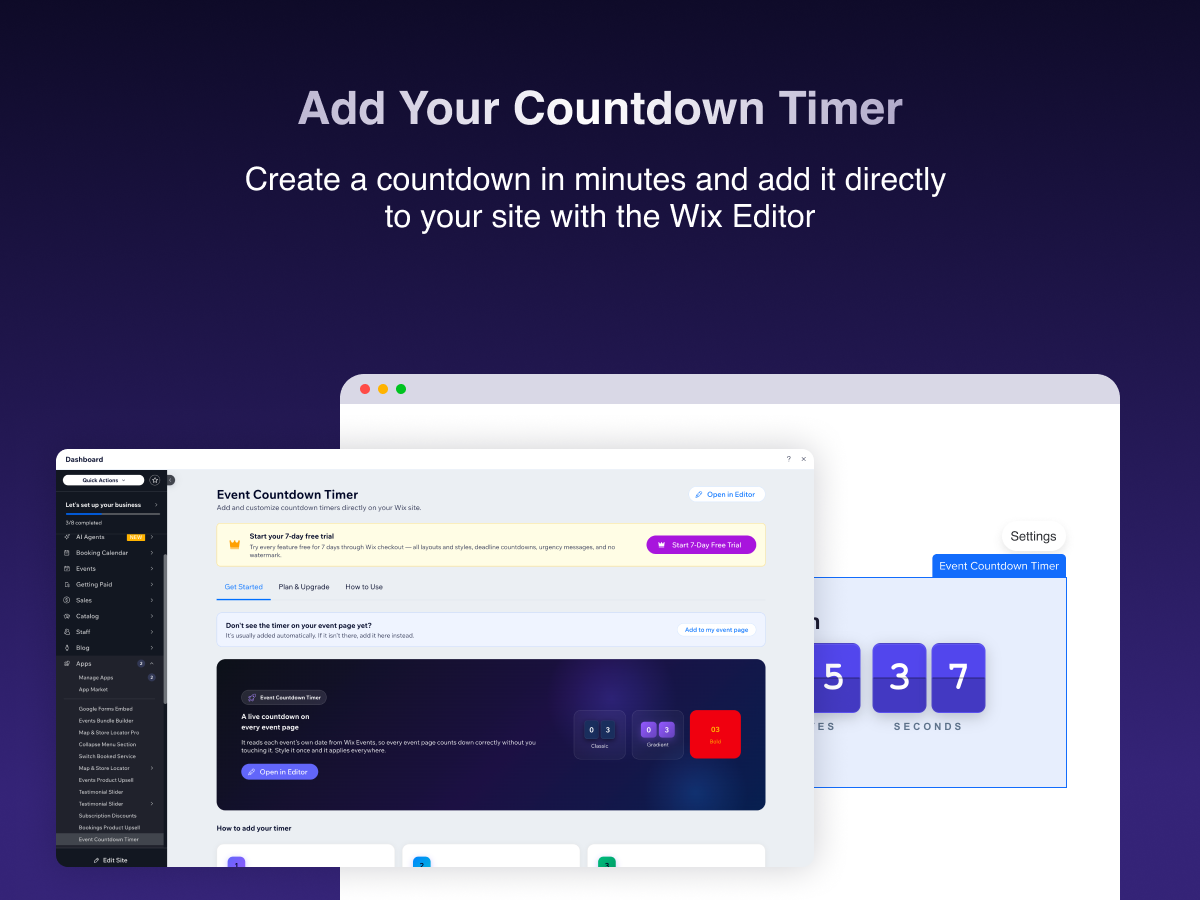
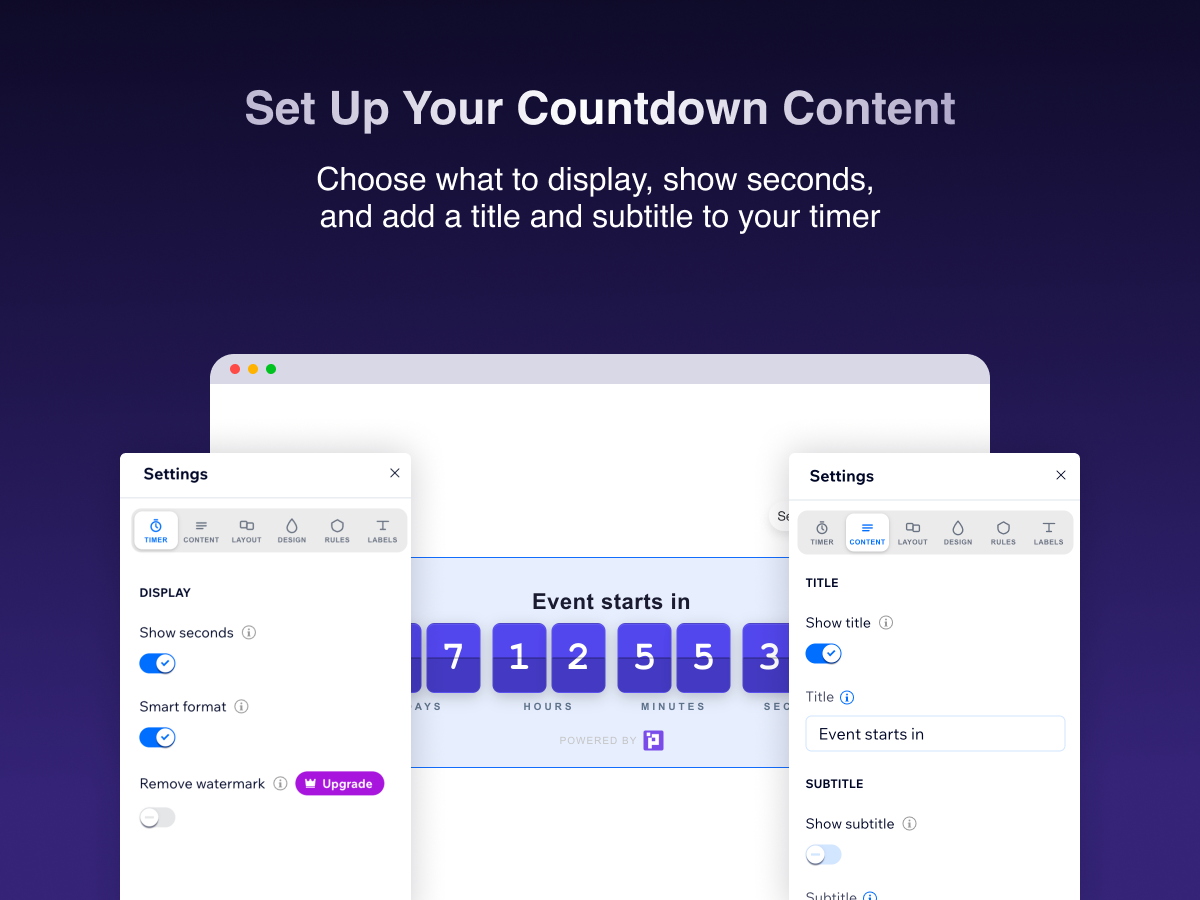
- Live countdown to your event's start date
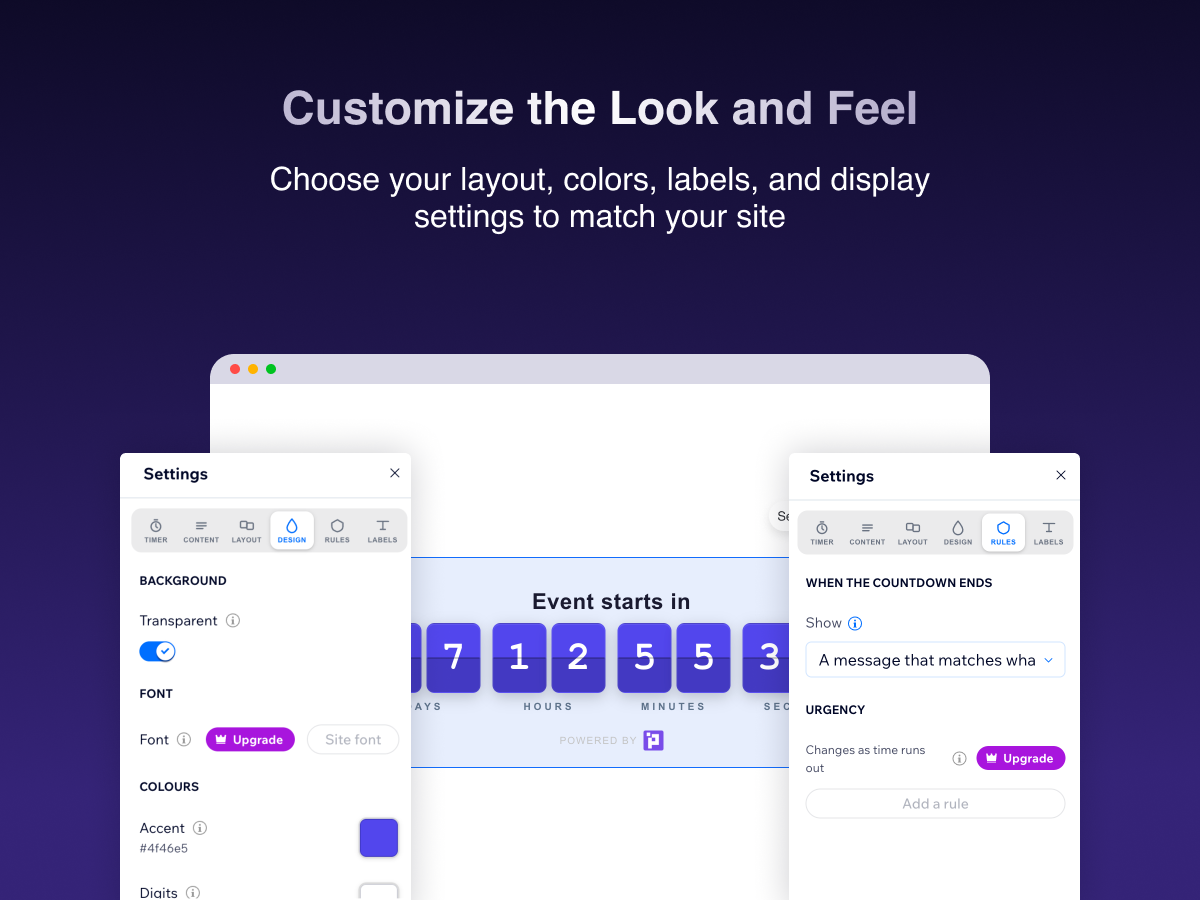
- 7 digit styles, colors, fonts & seasonal themes
- 7 digit styles, colors, fonts & seasonal themes
- Auto-hides for canceled, draft or past events
Calificación y reseñas
Esta app aún no ha recibido ninguna reseña, sé el primero en calificarla.Precios y planes
Plan Basic
Gratis
1 Events countdown widget
Basic Customization
Full timer layouts
PURPLE branding
Plan Light
$
3
00
/mes
1 Event countdown widget
Custom messaging
No PURPLE branding
24/7 support
Plan Pro
$
4
00
/mes
Unlimited Event countdown widgets
Custom messaging
Scheduled timer widget
Priority support
* Precio en USD.